
Can I Run Deep Rock Galactic on My PC / Laptop?
A four player co-op mining shooter set in procedurally generated caves, built on a stylized low poly look that keeps it light on hardware.
Check if your PC can run Deep Rock Galactic
Pick your graphics card and processor to check.
Can I run Deep Rock Galactic on my PC?
Use the checker above to find out in seconds. Pick your graphics card and processor and it compares them against Deep Rock Galactic's official requirements. As a quick guide, you need at least a NVIDIA GeForce GTX 660 or AMD Radeon HD 7870 graphics card, a Intel i5, 3rd gen (or equivalent) processor, and 6 GB RAM of RAM to play at 1080p.
Can I run Deep Rock Galactic on my laptop?
Yes, if your laptop has a dedicated graphics card around a NVIDIA GeForce GTX 660 or AMD Radeon HD 7870 or better and 6 GB RAM of RAM. Laptops with only integrated graphics usually fall short. Enter your laptop's GPU in the tool above to check. Keep in mind that the laptop version of a card runs a little slower than the desktop card of the same name, and heat can lower sustained frame rates.
Short answer: almost any PC built in the last decade can run Deep Rock Galactic. The official minimum is a GTX 660 or Radeon HD 7870, cards from 2012, and 6GB of RAM. What trips people up is not their graphics card. During a big swarm of Glyphid bugs, the game leans hard on a single CPU core for pathfinding and particle effects, so frame rate can dip even on a strong GPU if the processor behind it is older or slower.
The checker above stacks your exact CPU, GPU, and RAM up against Deep Rock Galactic's requirements. From there you get the official spec tiers, real frame rate numbers across a range of cards from integrated graphics to an RTX 4090, and answers to the questions people ask most about Steam Deck, Mac, laptops, and consoles.
Deep Rock Galactic system requirements
| Minimum | Recommended | |
|---|---|---|
| Processor (CPU) | Intel i5, 3rd gen (or equivalent) | Intel i5, 7th gen (or equivalent) |
| Graphics card (GPU) | NVIDIA GeForce GTX 660 or AMD Radeon HD 7870 | NVIDIA 970 / AMD Radeon 290 |
| Memory (RAM) | 6 GB RAM | 8 GB RAM |
| Operating system | Windows 10 64-bit | Windows 10 64 Bit |
| DirectX | Version 11 | Version 11 |
| Storage | 3 GB available space | 3 GB available space |
Storage: 3 GB free space. One of the smallest installs on Steam thanks to the low poly art style. A hard drive is fine; no SSD is required.
Full performance tiers
| Tier | Target | CPU | GPU | RAM |
|---|---|---|---|---|
| Minimum | 1080p Low to Medium, steady outside of large swarms | Intel i5, 3rd gen (or equivalent) | NVIDIA GeForce GTX 660 or AMD Radeon HD 7870 | 6 GB RAM |
| Recommended | 1080p High, 60+ fps with occasional dips in heavy fights | Intel i5, 7th gen (or equivalent) | NVIDIA GTX 970 / AMD Radeon 290 | 8 GB RAM |
| High refresh rate | 1080p or 1440p, 100+ fps in normal play; expect the 60s to 80s during big swarms no matter how strong the GPU is | Ryzen 5 5600 / Core i5-11400 or newer, fast single-thread speed matters more than core count | RTX 3060 or better, though the extra power mostly goes unused | 16 GB RAM |
Deep Rock Galactic FPS by graphics card
| Graphics card | 1080p | 1440p | 4K | Notes |
|---|---|---|---|---|
| Intel Iris Xe / UHD 620 (integrated) | ~30-45 (Low) | , | , | Playable on a modern laptop chip like Iris Xe. Older UHD 620 struggles more once a swarm hits. |
| GTX 750 Ti | ~60-80 (Medium) | , | , | Comfortably above the official minimum despite being over a decade old. |
| GTX 1060 6GB / RX 580 | ~100-150 (High) | , | , | Frame rate is effectively uncapped in normal exploration. Big swarms can pull this down into the 60s-80s. |
| RTX 3060 | ~150+ (High) | ~100-130 | , | The GPU has plenty of headroom left over. Your CPU decides how low frame rate goes during a swarm. |
| RTX 4060 | ~180-220 | ~130-150 | , | A similar swarm-fps ceiling to the RTX 3060 on the same CPU, since this game rarely taxes a modern card. |
| RTX 4070 | ~220+ | ~180 | ~110-130 | The GPU mostly stops being the limiting factor here. Pair it with a fast CPU to actually see the difference. |
| RTX 4090 | ~250-300 (engine-capped) | ~220 | ~150 | Little to no gain over an RTX 4070 during swarms, because the bottleneck at that point is the CPU, not the card. |
These numbers come from community benchmarks and vary by cave seed, mission type, biome, and how many enemies are on screen at once. Treat them as a general guide rather than a guarantee.
Can these graphics cards run Deep Rock Galactic?
| Graphics card | Verdict | Notes |
|---|---|---|
| GTX 1050 Ti | Playable | Meets the bar. Low to medium settings at 1080p. |
| GTX 1650 | Playable | Clears the minimum. 1080p low to medium, better with upscaling. |
| RX 570 | Playable | At the minimum bar. 1080p low to medium, drop a setting if needed. |
| RX 580 | Runs well | At or above the recommended card. Smooth 1080p high, 1440p realistic. |
| GTX 1060 6GB | Runs well | Past the recommended tier. High settings at 1080p, 1440p on the table. |
| GTX 1650 Super | Runs well | Strong fit. High settings at 1080p, 1440p within reach. |
| GTX 1660 | Runs well | Strong fit. High settings at 1080p, 1440p within reach. |
| GTX 1660 Super | Runs well | Exceeds recommended. 1080p high is comfortable, 1440p fine. |
| RTX 3050 | Runs well | Recommended tier or better. High 1080p, with room for 1440p. |
| GTX 1660 Ti | Runs well | Above recommended. 1080p high is easy, and 1440p works too. |
| RX 6600 | Runs well | At or above the recommended card. Smooth 1080p high, 1440p realistic. |
| RTX 2060 | Runs well | Strong fit. High settings at 1080p, 1440p within reach. |
| RTX 4050 | Runs well | Strong fit. High settings at 1080p, 1440p within reach. |
| Arc A750 | Runs well | Exceeds recommended. 1080p high is comfortable, 1440p fine. |
| RTX 3060 | Runs well | Above recommended. 1080p high is easy, and 1440p works too. |
| RX 6600 XT | Runs well | Over the recommended bar. Smooth high 1080p, 1440p realistic. |
| RX 7600 | Runs well | At or above the recommended card. Smooth 1080p high, 1440p realistic. |
| RX 6700 XT | Runs well | Exceeds recommended. 1080p high is comfortable, 1440p fine. |
| RTX 4060 | Runs well | At or above the recommended card. Smooth 1080p high, 1440p realistic. |
| RTX 3060 Ti | Runs well | At or above the recommended card. Smooth 1080p high, 1440p realistic. |
| RTX 3070 | Runs well | Over the recommended bar. Smooth high 1080p, 1440p realistic. |
| RTX 4070 | Runs well | Over the recommended bar. Smooth high 1080p, 1440p realistic. |

Will Deep Rock Galactic run on your PC
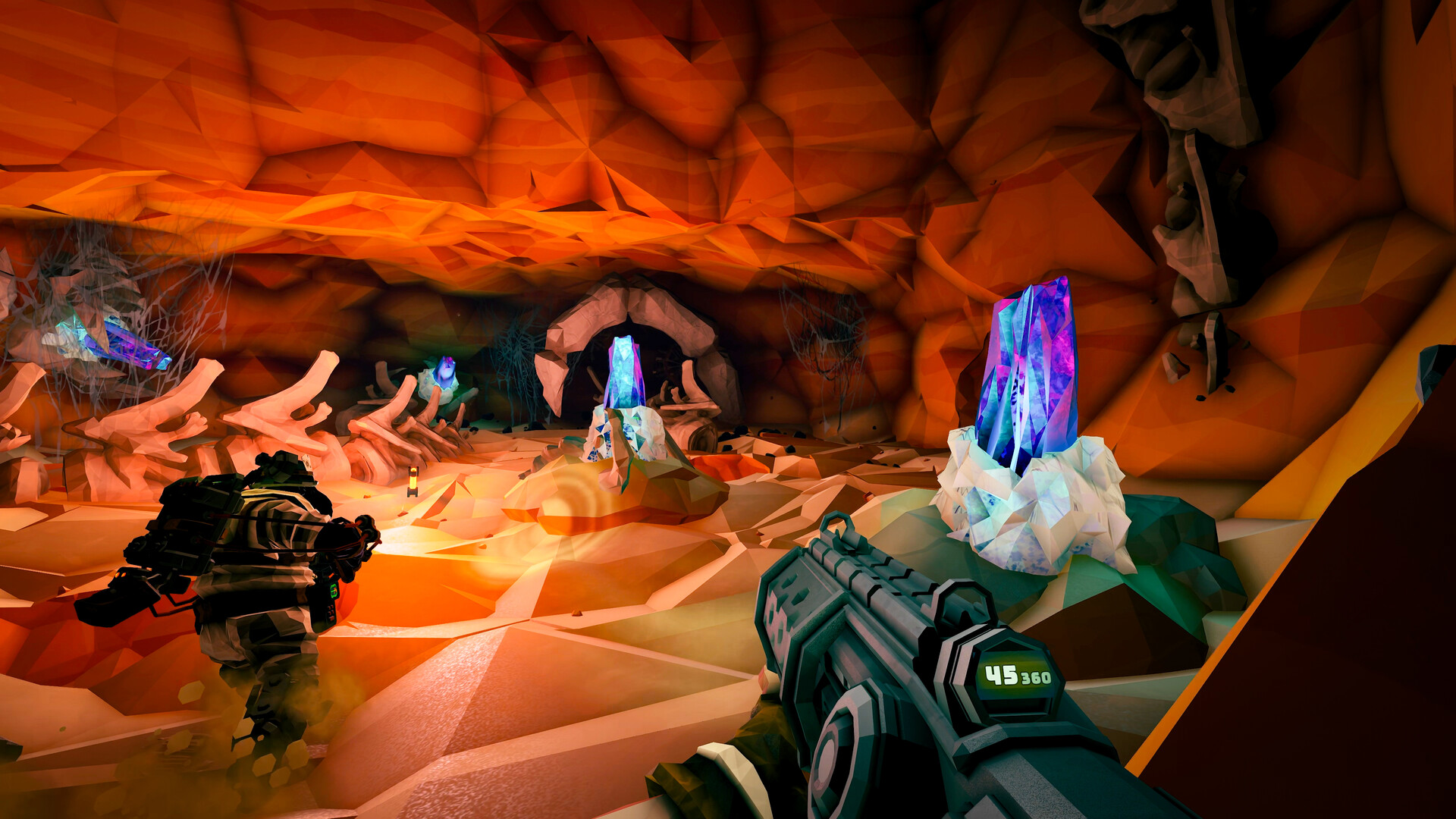
For almost everyone, yes. The official minimum, a GTX 660 or Radeon HD 7870 with 6GB of RAM, describes hardware from around 2012, and the recommended tier only asks for a GTX 970 or Radeon 290 with 8GB of RAM. If your PC is younger than about eight years old, you clear both tiers without much thought. Deep Rock Galactic's stylized, low poly caves are built to run light, and that design choice carries through everything from the tiny 3GB install to how little VRAM the game actually uses.
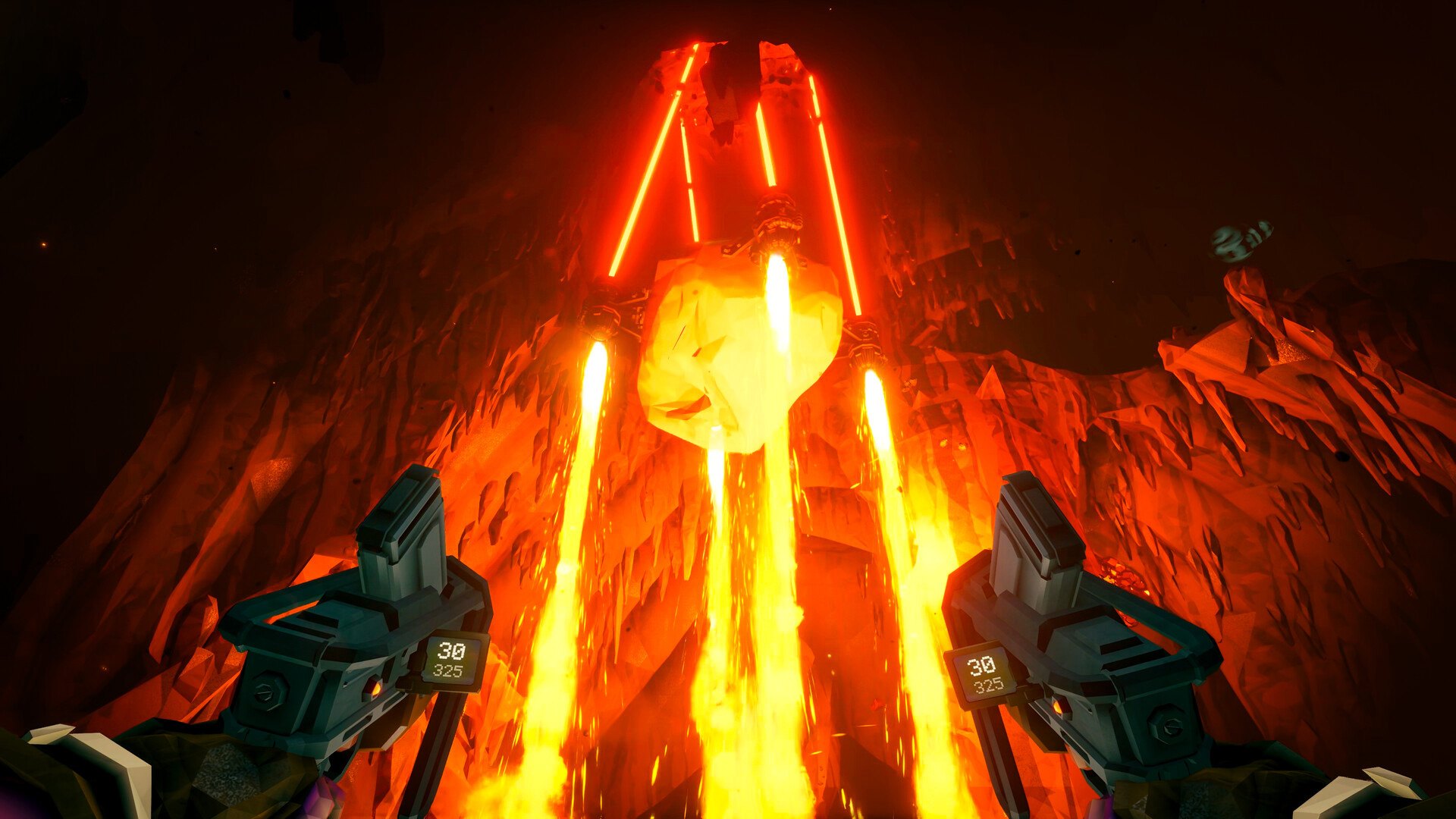
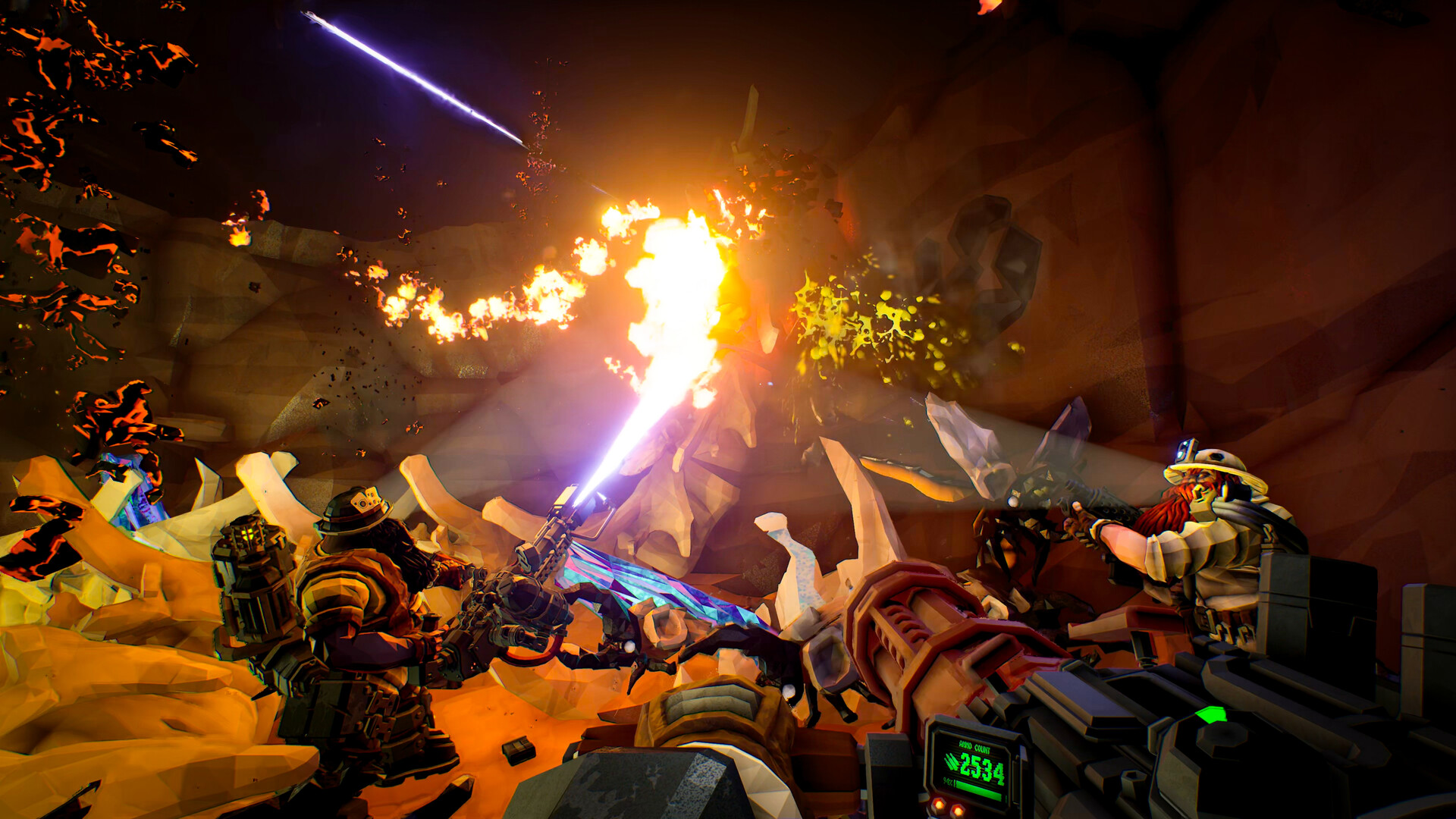
Where people get surprised is not whether it launches, but how it behaves once things get loud. In a mission with a triggered swarm of dozens of Glyphid bugs on screen, frame rate can drop noticeably even on hardware well above the recommended spec. That is not a sign your PC can't run the game. It is the one real performance quirk worth understanding before you buy or upgrade anything.
The real bottleneck: your CPU during swarms, not your graphics card
Deep Rock Galactic is built on Unreal Engine 4 and still leans on a single CPU thread for a lot of its work, particularly enemy pathfinding and the particle effects tied to weapon fire, mining, and cave destruction. Under normal exploration this barely registers. During a swarm event, when the game has to path dozens of bugs toward you at once while rendering muzzle flashes, explosions, and falling rock, that single-thread load spikes hard.
The practical effect is that a strong GPU buys you very little extra during a swarm. An RTX 4090 and an RTX 4060 can land at similar frame rates in the thick of a fight if they're paired with the same CPU, because the card is sitting idle waiting on the processor. If you want smoother swarms specifically, prioritize a CPU with strong single-core speed over spending more on a graphics card. Ghost Ship Games has talked about a longer-term engine rework to address this, but right now it's a known characteristic of the game, not something a settings change can fix.
Settings, resolution scaling, and what actually helps
Because the slowdown during swarms is CPU-side, turning down GPU-heavy settings like shadows or texture quality won't do much for you in those moments. Resolution scaling helps more than most other sliders, since it still trims some of the rendering load without touching the CPU work causing the dip. The game supports FSR 2.0, and turning that on is a reasonable way to claw back frames without a big visible hit to clarity, especially at 1440p or 4K.
Outside of swarms, Deep Rock Galactic is forgiving enough that most players can run High or even the top preset at 1080p without planning around it. There's no ray tracing to toggle and no upscaling requirement baked into the official specs, unlike some newer Unreal Engine 5 titles. If you're chasing a high refresh monitor, expect very high frame rates in quiet cave sections and a floor somewhere in the 60s to 80s once a swarm triggers, regardless of how far above minimum your GPU sits.
Storage, online play, and the gotchas people miss
The install is only about 3GB, tiny by modern standards, and a hard drive works fine since there's no SSD requirement listed or needed in practice. VRAM is not a real limiter here either. Even 2GB to 4GB cards handle the game's textures without trouble, so don't let a low VRAM number on an older card scare you off.
Deep Rock Galactic supports 1 to 4 player online co-op, and while it plays fine solo, a chunk of the searches around this game aren't really about hardware at all. If you landed here looking at Deep Rock Galactic: Survivor or Deep Rock Galactic: Rogue Core instead, those are separate, smaller spinoff games with their own system requirement pages. This page covers the original 2020 co-op shooter.
Can I run Deep Rock Galactic? Your questions answered
Yes, 8GB is the official recommended amount and is plenty. Even the 6GB minimum works for solo or small co-op sessions. Going to 16GB won't speed up the game itself, but it gives you headroom for background apps like Discord or a browser while you play.
No. The install is only about 3GB, and there's no official SSD requirement. A hard drive loads it fine. An SSD will shave a little off load times between missions, but it isn't necessary.
About 3GB, which is unusually small for a modern game. The low poly art style keeps texture and asset sizes down, so even after seasonal content updates the footprint stays light.
The engine relies heavily on a single CPU thread for enemy pathfinding and particle effects, and a large swarm of bugs spikes that load all at once. It's a CPU limitation, not a sign your graphics card is too weak. A faster CPU with strong single-core performance helps more than a GPU upgrade here.
Lower the resolution scale first, since the main slowdown during swarms is CPU-bound and resolution scaling is one of the few sliders that still helps. Turning on FSR 2.0, capping your frame rate to something your monitor supports, and closing background programs that compete for CPU time also make a real difference.
Both, but at different times. Outside of combat it's light on both. During a triggered swarm, it becomes noticeably CPU-heavy due to pathfinding and particle work, while the GPU load barely changes. That's why a strong graphics card alone won't fix swarm-related dips.
DirectX 11. You don't need DirectX 12 or a particularly recent driver to run it, though keeping your GPU drivers reasonably current is still good practice.
Outdated GPU drivers, corrupted mod files if you run any, or Windows overlay software conflicting with the game account for most crashes. Verifying game files through Steam, updating the graphics driver, and disabling third-party overlays clears up the majority of freezing reports.
Not by default at the engine level, but there is an in-game frame rate limiter you can set, and many players cap it manually to match their monitor and reduce heat and coil whine. Uncapped, strong hardware can push well past 200 fps in quiet areas.
The game doesn't have a built-in FPS counter, so most players use their GPU's overlay (Nvidia's in-game overlay, AMD Adrenalin, or Steam's own FPS counter in the overlay settings) to keep an eye on frame rate.
For the most part, yes. It runs smoothly on hardware far below what most modern games ask for, and the tiny install size and low VRAM use back that up. The one real weak spot is CPU load during big swarms, which affects even high-end systems to some degree.
Probably not. If your PC is from the last decade, it almost certainly already meets the requirements. The only upgrade worth considering purely for this game is a faster CPU if you're chasing smoother swarm performance specifically, and even then it's a minor gain compared to just playing on what you have.
Yes, those are separate spinoff games with their own, lighter requirements, not the same title covered on this page. Deep Rock Galactic: Survivor is a top-down roguelite and Rogue Core is a newer spinoff in early access. If you searched for either of those by name, check their own store pages for accurate specs.
Easily. With the RTX 3050 you are past Deep Rock Galactic's recommended tier, which means high settings at 1080p and a genuine shot at 1440p.
Yes, at the lower end. With the GTX 1650 you clear Deep Rock Galactic's minimum, so 1080p low to medium is the target and easing back a setting helps.
For sure. The GTX 1060 6GB outpaces Deep Rock Galactic's recommended card, leaving you high 1080p now and 1440p whenever you like. Expect roughly 100-150 fps at 1080p High outside of heavy swarms, dropping into the 60s-80s once one triggers.
The RX 580 is a strong fit for Deep Rock Galactic. It lands at or above the recommended spec, so high 1080p is comfortable and 1440p works. Tracks closely with the GTX 1060 6GB, around 100-150 fps at 1080p High with swarm-driven dips.
Plenty of power here. The RTX 4060 is above Deep Rock Galactic's recommended tier, so high 1080p is smooth and 1440p is a fair target. Lands at a similar swarm-fps ceiling to the RTX 3060, since this game rarely uses a modern GPU's full power.
Plenty of power here. The RTX 3060 is above Deep Rock Galactic's recommended tier, so high 1080p is smooth and 1440p is a fair target. Runs 1080p High well past 150 fps and handles 1440p comfortably. Your CPU sets the floor once a swarm hits.
Plenty of power here. The RTX 2060 is above Deep Rock Galactic's recommended tier, so high 1080p is smooth and 1440p is a fair target. Pushes past 150 fps at 1080p High, and 1440p stays smooth outside of large fights.
You are well set. The GTX 1660 exceeds Deep Rock Galactic's recommended card, so 1080p high is easy and 1440p is realistic. Comfortably clears 100 fps at 1080p High, with dips into the 70s and 80s during big swarms.
That is more than enough. The GTX 1660 Super clears Deep Rock Galactic's recommended requirement, so aim for high at 1080p or step up to 1440p.
That is more than enough. The RX 6600 clears Deep Rock Galactic's recommended requirement, so aim for high at 1080p or step up to 1440p.
You are well set. The GTX 1660 Ti exceeds Deep Rock Galactic's recommended card, so 1080p high is easy and 1440p is realistic.
For sure. The RTX 3060 Ti outpaces Deep Rock Galactic's recommended card, leaving you high 1080p now and 1440p whenever you like.
Plenty of power here. The RTX 4050 is above Deep Rock Galactic's recommended tier, so high 1080p is smooth and 1440p is a fair target.
Good enough to play. The GTX 1050 Ti sits at Deep Rock Galactic's minimum, so expect 1080p low to medium and a bit of tuning for smoothness. Handles 1080p Medium to High at around 70-90 fps outside of large swarms.
You are well set. The RTX 4070 exceeds Deep Rock Galactic's recommended card, so 1080p high is easy and 1440p is realistic. Frees up smooth 1440p and light 4K play. Swarm dips at that point depend more on your CPU than this card.
Deep Rock Galactic has no native Mac build, Apple Silicon Air and Pro included, so a MacBook cannot run it alone. GeForce Now cloud streaming is the safer bet; an unofficial Windows layer like CrossOver is not guaranteed to work well.
Yes, more comfortably than most games in this genre. Intel Iris Xe and similarly modern integrated graphics run it at 1080p Low to Medium with playable frame rates. Older chips like Intel UHD 620 still work but sit lower, especially once a swarm shows up.
A Chromebook has no local path to this one either; cloud streaming through a service like GeForce Now, which runs the game remotely and streams video back, is what gets you in.
Yes. It's Steam Deck Verified and runs well on handhelds generally. On Steam Deck, native resolution with a custom graphics preset and FSR 2.0 turned on typically holds 40 to 60 fps, and capping the frame rate to 40 gives the steadiest battery life and stability. ROG Ally and Legion Go, being more powerful, handle it with extra headroom.
No native Linux build exists, but Proton on Steam, the same layer running it on Steam Deck, handles it well, and most Linux users report few issues this way.
Yes, Deep Rock Galactic is available on GeForce Now, which is the main option for Mac and Chromebook users who can't run it locally. You'll need a stable internet connection, and performance depends on the service's server load rather than your own hardware.
Yes, and it's also on the older Xbox One, plus it's included with Xbox Game Pass. This page focuses on the PC version and its requirements.
Yes, it launched on both PlayStation consoles after initially being PC and Xbox only. This page covers the PC version specifically.
No. There's no Switch version of Deep Rock Galactic at this time. It's available on PC, Xbox, and PlayStation.
Yes, in most cases. At the minimum spec, a GTX 660 or Radeon HD 7870 with 6GB of RAM, you'll get playable 1080p Low to Medium performance outside of large swarms. Very old hardware below even that will struggle more.
Generally yes for quieter missions, but these budget CPUs are exactly where the swarm-related slowdown shows up hardest, since the game depends on single-core speed during those moments. Expect noticeably lower frame rates in big fights compared to a mid-range CPU, even with the same graphics card.
Steam and Microsoft Store or Xbox players can play together, since it's an Xbox Play Anywhere title, but PlayStation is on its own separate ecosystem without crossplay to PC or Xbox.
Yes, and it's easier to hit than in most modern games because the game is light on GPU load. A mid-range card like an RTX 3060 or RX 6600 can handle 4K at good frame rates outside of swarms, where the CPU becomes the limiting factor instead.
Yes, comfortably, even on cards well below the RTX 3060 tier. 1440p asks more of your GPU than 1080p but far less than most current games, so the jump costs you very little frame rate.
Yes, on nearly any hardware that meets the recommended spec, and usually well above 60 in quiet areas. The exception is during large swarms, where even strong systems can dip below 60 briefly due to the CPU-bound pathfinding and particle load.
You can play solo offline. Online co-op with other players does require an internet connection and a Steam or platform login, but there's no always-online requirement for single-player missions.
No, not really. Even cards with 2GB to 4GB of VRAM handle the game's textures without issue, since the low poly art style keeps asset sizes small. If you're running into stutter, it's far more likely to be the CPU-bound swarm behavior than a VRAM shortage.