
Can I Run For Honor on My PC / Laptop?
A melee fighting game so lightly built that the real limits on your experience are your internet connection and a steady frame rate, not your graphics card.
Check if your PC can run For Honor
Pick your graphics card and processor to check.
Can I run For Honor on my PC?
Use the checker above to find out in seconds. Pick your graphics card and processor and it compares them against For Honor's official requirements. As a quick guide, you need at least a NVIDIA GeForce GTX950 / GTX1050 with 2 GB VRAM | AMD Radeon R9 270 / R9 370 / RX460 with 2 GB VRAM graphics card, a Intel Core i3-4150 | AMD FX-4300 or equivalent processor, and 4 GB RAM of RAM to play at 1080p.
Can I run For Honor on my laptop?
Yes, if your laptop has a dedicated graphics card around a NVIDIA GeForce GTX950 / GTX1050 with 2 GB VRAM | AMD Radeon R9 270 / R9 370 / RX460 with 2 GB VRAM or better and 4 GB RAM of RAM. Laptops with only integrated graphics usually fall short. Enter your laptop's GPU in the tool above to check. Keep in mind that the laptop version of a card runs a little slower than the desktop card of the same name, and heat can lower sustained frame rates.
For Honor is one of the easiest big-budget games you'll find on this site to run. The official minimum, a GTX 950 or 1050 with 2GB of memory, is a low bar even by older standards, and most PCs built in the last eight or nine years clear it without any trouble. Your graphics card almost never decides whether a match feels good here. A stable connection and a steady frame rate do that job instead, because For Honor's parries and feints are timed on a knife's edge, and any hitch reads as a dropped input mid-duel.
The checker above places your PC against the official specs in seconds. The sections below go further and cover why the game runs so well on old hardware, how the frame rate cap actually works on PC versus consoles, and the always-online design that trips people up more often than any hardware limit does.
For Honor system requirements
| Minimum | Recommended | |
|---|---|---|
| Processor (CPU) | Intel Core i3-4150 | AMD FX-4300 or equivalent | Intel Core i5-7500 | AMD Ryzen 5 1400 or equivalent |
| Graphics card (GPU) | NVIDIA GeForce GTX950 / GTX1050 with 2 GB VRAM | AMD Radeon R9 270 / R9 370 / RX460 with 2 GB VRAM | NVIDIA GeForce GTX1060 with 3 GB VRAM or more | AMD Radeon RX580 with 4 GB VRAM or more |
| Memory (RAM) | 4 GB RAM | 8 GB RAM |
| Operating system | Windows 10 (64-bit versions only) | Windows 10, Windows 11 (64-bit versions only) |
| DirectX | Version 9.0c | Version 9.0c |
| Storage | 90 GB available space | 90 GB available space |
Storage: 90 GB. A regular hard drive is fine; an SSD only shortens load times, since the game doesn't stream open-world assets the way newer titles do.
For Honor FPS by graphics card
| Graphics card | 1080p | 1440p | 4K | Notes |
|---|---|---|---|---|
| GTX 1050 Ti | ~60-70 | , | , | Sits just above the recommended-tier card and already clears the 60 fps combat target at high settings. |
| GTX 1060 6GB | ~100-110 | ~70-80 | , | Well past what the game asks for, even with everything maxed out. |
| RX 580 | ~95-105 | , | , | AMD's equivalent to the GTX 1060 tier lands in similar territory. |
| RTX 2060 | ~140+ | ~100-110 | , | The GPU stops being the limiting factor around here; your CPU and connection start to matter more. |
| RTX 3060 | ~150+ | ~110-120 | ~55-65 | Even 4K stays close to the 60 fps target on a card this light game barely stresses. |
| RTX 4060 | ~180+ | ~130-140 | ~70-80 | Overkill for this game. Your monitor or an in-game limiter, not the card, ends up capping the frame rate. |
| RTX 4070 | ~200+ | ~160+ | ~90-100 | At this tier you're chasing your monitor's refresh rate, not anything the game demands. |
These figures come from relative GPU performance and older third-party benchmarks, since a light, seven-plus-year-old game like this rarely gets fresh reviews on every new graphics card. Real numbers will vary with your settings, resolution, and how many effects are on screen during a big brawl.
Can these graphics cards run For Honor?
| Graphics card | Verdict | Notes |
|---|---|---|
| GTX 1050 Ti | Playable | Clears the minimum. 1080p low to medium, better with upscaling. |
| GTX 1650 | Playable | Passes minimum. Aim low to medium 1080p, upscaling helps. |
| RX 570 | Playable | At the minimum bar. 1080p low to medium, drop a setting if needed. |
| RX 580 | Playable | Runnable at minimum. Low to medium 1080p, ease settings back. |
| GTX 1060 6GB | Runs well | Over the recommended bar. Smooth high 1080p, 1440p realistic. |
| GTX 1650 Super | Runs well | At or above the recommended card. Smooth 1080p high, 1440p realistic. |
| GTX 1660 | Runs well | Past the recommended tier. High settings at 1080p, 1440p on the table. |
| GTX 1660 Super | Runs well | At or above the recommended card. Smooth 1080p high, 1440p realistic. |
| RTX 3050 | Runs well | At or above the recommended card. Smooth 1080p high, 1440p realistic. |
| GTX 1660 Ti | Runs well | Above recommended. 1080p high is easy, and 1440p works too. |
| RX 6600 | Runs well | Recommended tier or better. High 1080p, with room for 1440p. |
| RTX 2060 | Runs well | Above recommended. 1080p high is easy, and 1440p works too. |
| RTX 4050 | Runs well | At or above the recommended card. Smooth 1080p high, 1440p realistic. |
| Arc A750 | Runs well | Beats the recommended spec. Comfortable high 1080p, playable 1440p. |
| RTX 3060 | Runs well | Over the recommended bar. Smooth high 1080p, 1440p realistic. |
| RX 6600 XT | Runs well | Exceeds recommended. 1080p high is comfortable, 1440p fine. |
| RX 7600 | Runs well | Over the recommended bar. Smooth high 1080p, 1440p realistic. |
| RX 6700 XT | Runs well | Over the recommended bar. Smooth high 1080p, 1440p realistic. |
| RTX 4060 | Runs well | Past the recommended tier. High settings at 1080p, 1440p on the table. |
| RTX 3060 Ti | Runs well | At or above the recommended card. Smooth 1080p high, 1440p realistic. |
| RTX 3070 | Runs well | Above recommended. 1080p high is easy, and 1440p works too. |
| RTX 4070 | Runs well | At or above the recommended card. Smooth 1080p high, 1440p realistic. |

Why this is one of the easiest big games to run
Yes, your PC almost certainly runs For Honor, and probably well. The official minimum asks for a GTX 950 or 1050 with 2GB of VRAM, an i3-4150 or FX-4300, and 4GB of RAM. That bar was modest even at launch in 2017, and it hasn't moved since. If your PC can run practically anything else released in the last decade, it clears this without a second thought.
The recommended tier, a GTX 1060 3GB or RX 580 4GB with an i5-7500 and 8GB of RAM, is where most people should aim, and it isn't a stretch either. Once you're at or above that tier, the game holds well past 60 fps at 1080p on high settings, and your graphics card stops being the thing worth worrying about.
The frame rate story: no hard cap on PC, and consoles caught up late
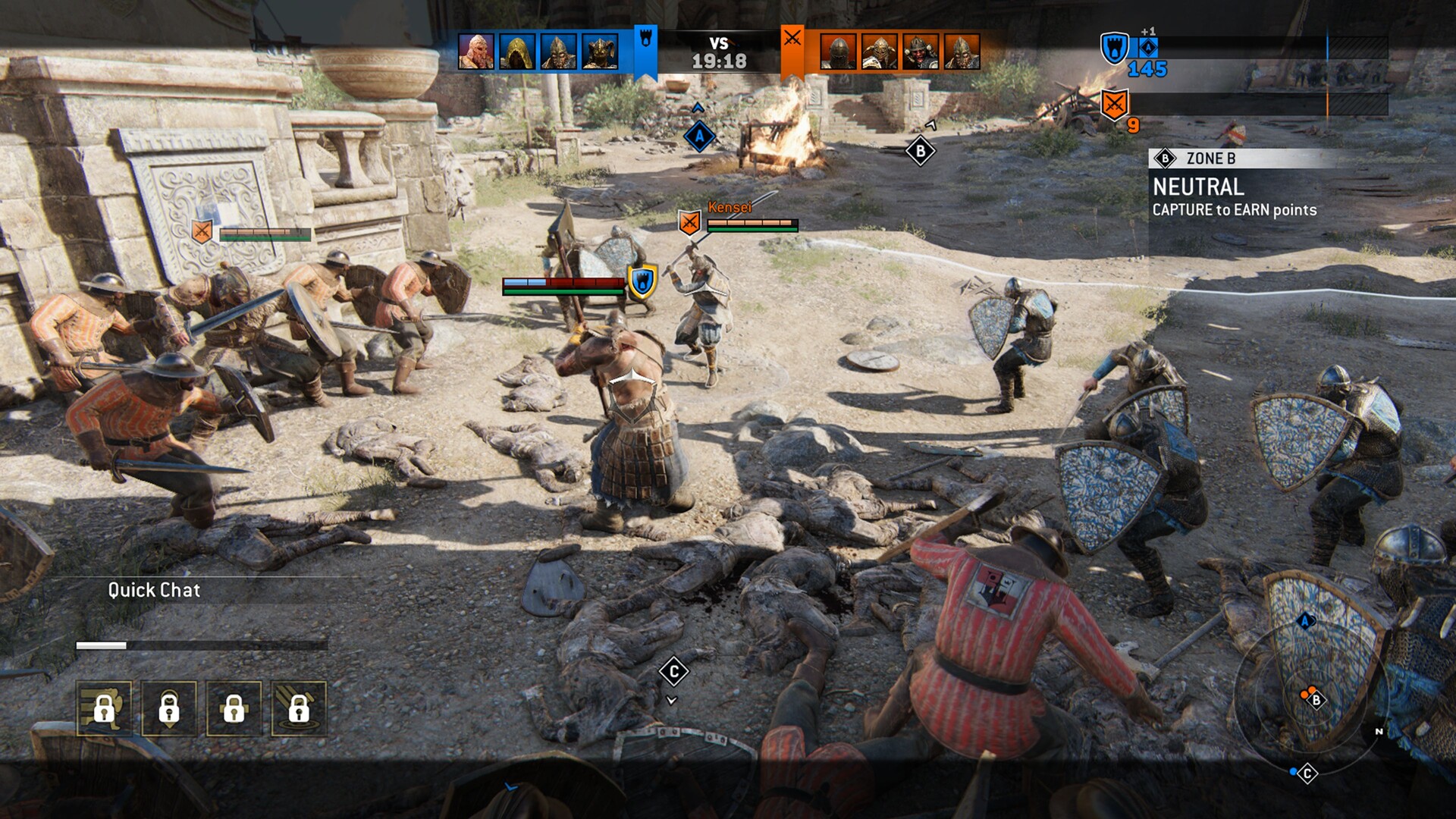
On PC, For Honor doesn't lock you to a hard frame rate ceiling the way some competitive games do. Turn vsync off and a mid-range card will push well past 100 fps at 1080p. What matters more than the raw number is consistency, because the parry, feint, and dodge system runs on tight input windows, and a frame time spike during a 4v4 brawl can cost you the read on an incoming attack even if your average fps looks fine.
Consoles took longer to catch up. PlayStation 4 and Xbox One targeted 1080p at 60 fps but could dip in busy team fights. PS5 and Xbox Series X later received a Performance Mode patch that runs up to 4K at a locked 60 fps, with Xbox Series S capped at 1080p60, alongside a Quality Mode that trades some of that headroom for resolution and effects. Neither generation offers a true 120 fps mode.
Steam Deck and handhelds: the problem is software, not power
For Honor sits at Playable on Steam Deck, not Verified, and the reasons have little to do with raw performance. The game only became playable there after a 2023 patch added Easy Anti-Cheat support for Proton. What remains are launcher quirks: the Ubisoft Connect overlay can behave oddly, controller icons sometimes show the wrong prompts, and the game occasionally needs a manual force-close instead of exiting cleanly. Once it's running, the hardware itself is more than strong enough to hold a steady frame rate at the Deck's native resolution.
ROG Ally and Legion Go run full Windows, which sidesteps most of that Proton-related friction, so the main thing to expect on any handheld is a lower resolution or a frame cap to manage battery life and heat, not a fight to reach 60 fps.
The real bottleneck is your connection, not your hardware
For Honor has needed an internet connection for every mode since launch, including the single-player campaign, a design choice that drew criticism back in 2017 and still surprises new players today. If your matches feel laggy or your inputs feel delayed, check your connection and Ubisoft's server status before you start swapping hardware, because on a PC that meets the recommended spec, network issues are a far more common cause of a bad match than anything your GPU is doing.
Crossplay is on by default across PC, PlayStation, and Xbox, and it can be turned off in the settings if you'd rather only match with players on your own platform, though expect longer queues if you do. Cross-progression carries your rank and unlocks across platforms tied to your Ubisoft account, separate from the crossplay matchmaking toggle.
Can I run For Honor? Your questions answered
Yes, that's the recommended amount and it's plenty. The game doesn't push much past it even during large team fights.
For the game itself, yes, since 8GB already covers the recommended spec. 16GB still helps if you're running Discord, a browser, or streaming software alongside it.
No. The listed requirement is just 90GB of space with no SSD stipulation, and since the game doesn't stream open-world assets the way newer titles do, a hard drive works fine. An SSD only shortens load screens.
About 90GB according to the official Steam listing. Actual install size can vary slightly with updates.
Yes, with room to spare. The recommended spec only asks for 3GB on Nvidia cards or 4GB on AMD, so a 4 to 6GB card handles the game even at 1440p.
Neither is usually the deciding factor once you're at or above the recommended tier, since the game is light overall. A weak CPU below the i3-4150 tier is more likely to show up as dips during a chaotic 4v4 brawl than a weak GPU is.
On hardware that meets the minimum spec, stutter is usually a network issue rather than a local performance one, since the game is always-online. Background overlays, an out-of-date GPU driver, or a server hiccup are the more common culprits than raw horsepower.
Modes like 4v4 Dominion throw a lot of characters, effects, and hit reactions on screen at once, which leans harder on your CPU's single-core performance than a quiet duel does. It's the one scenario where an older CPU can show its age even if the GPU is fine.
No hard engine cap. With vsync off, a mid-range card can push well past 100 fps at 1080p. The combat system is simply designed around holding a steady 60 fps rather than chasing the highest number possible.
Yes, through the Performance Mode patch added after launch, which runs up to 4K at a locked 60 fps on PS5 and Xbox Series X, and 1080p60 on Series S. A separate Quality Mode trades some of that for higher resolution and effects.
Yes, across PC, PlayStation, and Xbox, on by default with an opt-out in settings. Cross-platform voice chat isn't supported yet, and opting out of crossplay usually means longer matchmaking.
Yes, your rank and unlocks carry across platforms as long as they're tied to the same Ubisoft account. It's a separate system from the crossplay matchmaking toggle.
Yes. Every mode, including the story campaign, has required an online connection since the game launched in 2017, a decision that was criticized at the time and still catches new players off guard.
The base game isn't free, but Ubisoft runs periodic free weekends and trial periods, and the game itself goes on steep sales fairly often.
DirectX 9.0c is what's officially listed, which is notably old for a game of this scope. It doesn't affect performance on modern systems; current GPU drivers handle it without issue.
The official listing names Windows 10, but the game runs fine on Windows 11 in practice with no special patch or workaround needed.
The game doesn't have a built-in fps counter. Use Steam's overlay (enable it under Settings, In-Game), your GPU's driver overlay, or a tool like MSI Afterburner instead.
There's no in-game frame rate limiter beyond toggling vsync. To set a specific cap, most players use a driver-level limiter (Nvidia or AMD control panel) or a tool like RivaTuner.
Shadow Quality and Anti-Aliasing cost more than they're worth visually in this engine, so lower those first. VRAM almost never runs short on this game, so you can usually leave texture quality higher than you'd expect on weaker hardware.
Yes, with room to spare. For Honor recommends less than the RTX 3050 offers, so expect smooth 1080p high and a playable 1440p.
The GTX 1650 gets you in. It meets For Honor's minimum, so low to medium at 1080p works, and turning a couple of things down keeps it steady. Roughly 75 to 85 fps at 1080p on high settings, plenty for smooth combat timing.
That is more than enough. The GTX 1060 6GB clears For Honor's recommended requirement, so aim for high at 1080p or step up to 1440p. About 100 to 110 fps at 1080p on maxed-out settings, well past what the game needs.
Runnable. The RX 580 covers For Honor's minimum, meaning 1080p low to medium and a smoother feel after a small settings drop. Around 95 to 105 fps at 1080p high, similar territory to the GTX 1060 6GB.
Yes, comfortably. The RTX 4060 sits at or above For Honor's recommended card, so 1080p on high is smooth and 1440p is well within reach. About 130 to 140 fps at 1440p, with 4K settling around 70 to 80 fps.
Comfortably, yes. The RTX 3060 clears For Honor's recommended bar, which puts high 1080p and 1440p both in reach. About 110 to 120 fps at 1440p high, and still close to 60 fps at 4K.
Yes, with room to spare. For Honor recommends less than the RTX 2060 offers, so expect smooth 1080p high and a playable 1440p. Roughly 140 fps at 1080p on max settings, with the GPU rarely the limiting factor at this tier.
Yes. The GTX 1660 has headroom over For Honor's recommended card, so you can push 1080p high and move to 1440p when you want.
Yes, comfortably. The GTX 1660 Super sits at or above For Honor's recommended card, so 1080p on high is smooth and 1440p is well within reach.
Plenty of power here. The RX 6600 is above For Honor's recommended tier, so high 1080p is smooth and 1440p is a fair target. Around 130 to 150 fps at 1080p max settings, far more than the 60 fps target needs.
Yes. On the GTX 1660 Ti, For Honor runs at high settings in 1080p and scales up to 1440p without much fuss.
For sure. The RTX 3060 Ti outpaces For Honor's recommended card, leaving you high 1080p now and 1440p whenever you like. Roughly 130 to 145 fps at 1440p high, well ahead of the combat target.
No trouble at all. The RTX 4050 meets or beats what For Honor recommends, so 1080p high runs well and 1440p is realistic.
The GTX 1050 Ti gets you in. It meets For Honor's minimum, so low to medium at 1080p works, and turning a couple of things down keeps it steady. Around 60 to 70 fps at 1080p on high settings, already above the 60 fps combat target.
For sure. The RTX 4070 outpaces For Honor's recommended card, leaving you high 1080p now and 1440p whenever you like. 160 fps or higher at 1440p, essentially limited by your monitor rather than the game.
Ubisoft skipped macOS with this one, so a MacBook has nothing to run natively. GeForce Now or Xbox Cloud Gaming cover the streaming route, and Parallels or Boot Camp let you install Windows locally if you'd rather have it on the machine itself.
Older, basic integrated graphics fall short of the 2GB dedicated minimum. Newer strong integrated chips, like Radeon 780M or Intel Iris Xe, can often handle it at lower settings since the CPU and RAM requirements are modest too, but expect to drop resolution for a steady frame rate rather than assume it'll be smooth.
ChromeOS never got a native build here either, so cloud streaming through GeForce Now or Xbox Cloud Gaming is the only door into a Chromebook.
Yes, though Steam Deck sits at Playable rather than Verified because of launcher and anti-cheat quirks, not raw power; it only became playable there after a 2023 patch. ROG Ally and Legion Go run full Windows, which avoids most of that friction, so any of the three handles the game's modest demands without trouble once it's running.
Yes, and it doesn't take an especially powerful card to do it. A recommended-tier GPU or better holds close to 60 fps at 1440p, and something in the RTX 3060 to RTX 4060 range keeps 4K near or at 60 fps too.
Yes, that's really the whole story of this page. The official minimum, a GTX 950 or 1050 with 2GB VRAM, an i3-4150, and 4GB of RAM, is easily met by budget hardware that's several years old.
Yes. The i3-4150 is the official minimum CPU, and Ryzen 3-class chips clear that with room to spare. A weaker CPU tends to show up as dips during large 4v4 fights rather than a hard block on launching the game.
Not natively. Cloud streaming apps for GeForce Now or Xbox Cloud Gaming are the way to play it on a phone or tablet, connection permitting.
Yes, it's available on PS4, PS5, Xbox One, and Xbox Series X|S, with crossplay against PC. This page covers the PC version specifically.
No, there's no Switch version. It's available on PC, PlayStation, and Xbox only.
Yes, it's available on GeForce Now and Xbox Cloud Gaming, which is a good option on a Mac, Chromebook, or older PC that doesn't meet the local spec.
Ubisoft hasn't shipped an official Linux build, but Proton carries it on a Linux desktop about as well as it does on Steam Deck, anti-cheat quirks and launcher hiccups included.
On a PC that meets the minimum spec, a failure to launch is almost always a software problem rather than a hardware one: a Ubisoft Connect or Steam overlay conflict, an out-of-date GPU driver, or the Easy Anti-Cheat service not running. Try running the game as administrator and updating your GPU driver before assuming your PC can't handle it.
Only if you're currently below the minimum spec. Once you're at or above the recommended tier, a faster GPU mostly buys you a higher uncapped frame rate rather than fixing anything, since the game rarely struggles to hold 60 fps on hardware from the last several years.
Generally yes. At the minimum, a GTX 950 or 1050 with 2GB VRAM, expect a steady 1080p on low to medium settings around 30 to 45 fps, which is playable though not the smooth 60 fps the combat system is built around.
Performance-wise, PC allows an uncapped frame rate and higher resolutions than either console generation offers, but the actual combat feel is similar once you're holding a steady 60 fps on either platform. Console performance modes have closed most of the gap since their post-launch patches.
This error usually comes from Ubisoft Connect misreading your hardware rather than your PC genuinely falling short, and it shows up most on laptops with both integrated and dedicated graphics. Update your GPU driver, make sure Windows is set to run the game on the dedicated GPU, and update Ubisoft Connect itself before assuming your system is under spec.
On a PC that meets the minimum spec, repeat crashes usually trace back to an outdated GPU driver, a conflict with an overlay like Discord or GeForce Experience, or a corrupted Ubisoft Connect cache. Updating your driver and verifying the game files clears most of these.