
Can I Run Frostpunk 2 on My PC / Laptop?
A bigger, harsher sequel to 11 bit studios' city survival game. It scales down for weaker rigs, but big late-game cities bog down the simulation itself.
Check if your PC can run Frostpunk 2
Pick your graphics card and processor to check.
Can I run Frostpunk 2 on my PC?
Use the checker above to find out in seconds. Pick your graphics card and processor and it compares them against Frostpunk 2's official requirements. As a quick guide, you need at least a AMD RX 550 4 GB VRAM / NVIDIA GTX 1050Ti 4 GB VRAM / INTEL ARC A310 4GB VRAM graphics card, a AMD Ryzen 5 1600 / Intel Core i5-8400 processor, and 8 GB RAM of RAM to play at 1080p.
Can I run Frostpunk 2 on my laptop?
Yes, if your laptop has a dedicated graphics card around a AMD RX 550 4 GB VRAM / NVIDIA GTX 1050Ti 4 GB VRAM / INTEL ARC A310 4GB VRAM or better and 8 GB RAM of RAM. Laptops with only integrated graphics usually fall short. Enter your laptop's GPU in the tool above to check. Keep in mind that the laptop version of a card runs a little slower than the desktop card of the same name, and heat can lower sustained frame rates.
Frostpunk 2 will run on a fairly ordinary PC. The official minimum is a four-year-old GTX 1050 Ti class card and 8GB of RAM, so most machines from the last five or six years clear that bar. What people miss is that the real slowdown does not show up on day one. It shows up forty or fifty hours in, once your city has grown past a few tens of thousands of people, and it is your CPU and your save files choking on the simulation, not your graphics card giving up.
Both official tiers get compared against your exact CPU, GPU, and RAM in the checker above. Below, we cover real frame rate numbers for common cards, the settings that actually cost you performance, why late-game saves slow to a crawl, and the questions people ask most before buying or installing it.
Frostpunk 2 system requirements
| Minimum | Recommended | |
|---|---|---|
| Processor (CPU) | AMD Ryzen 5 1600 / Intel Core i5-8400 | AMD Ryzen 7 3700x / Intel Core i7-10700 |
| Graphics card (GPU) | AMD RX 550 4 GB VRAM / NVIDIA GTX 1050Ti 4 GB VRAM / INTEL ARC A310 4GB VRAM | AMD RX 5700 8 GB VRAM / NVIDIA 2060 Super RTX 8 GB VRAM / INTEL ARC A770 8GB VRAM |
| Memory (RAM) | 8 GB RAM | 16 GB RAM |
| Operating system | Windows 10/11 (64-bit) | Windows 10/11 (64-bit) |
| DirectX | Version 12 | Version 12 |
| Storage | 30 GB available space | 30 GB available space |
Storage: 30 GB. An SSD is required, not just recommended.
Full performance tiers
| Tier | Target | CPU | GPU | RAM |
|---|---|---|---|---|
| Minimum | 1080p Low, ~30 fps | Ryzen 5 1600 / Core i5-8400 | RX 550 4GB / GTX 1050 Ti 4GB / Arc A310 | 8 GB |
| Recommended | 1080p High, 60 fps | Ryzen 7 3700X / Core i7-10700 | RX 5700 8GB / RTX 2060 Super 8GB / Arc A770 | 16 GB |
| 1080p Ultra, ~60 fps | The point where benchmarks show a stable 60 at max settings | Ryzen 7 5800X / Core i7-11700K class | RX 6800 / RTX 4070 class | 16 GB |
Frostpunk 2 FPS by graphics card
| Graphics card | 1080p | 1440p | 4K | Notes |
|---|---|---|---|---|
| GTX 1650 | ~20-25 | , | , | Below the official minimum. Playable on Low, not smooth. |
| GTX 1060 6GB | ~25-30 | , | , | Low to Medium settings. Turn fog and lighting down first. |
| RTX 2060 / RX 6600 | ~25-30 (Ultra) | , | , | Around 45-50 once you drop to Medium and turn on upscaling. |
| RTX 3060 | ~30-35 (Ultra) | , | , | Comfortable in the 50s on High. This is roughly where the recommended tier lands. |
| RTX 3060 Ti | ~35-40 (Ultra) | , | , | A clear step up from the RTX 3060 at the same settings. |
| RTX 4060 | ~40-45 (Ultra) | ~35 | , | High settings push well past 60. DLSS adds more. |
| RTX 4070 | ~55-60 (Ultra) | ~45-50 | , | One of the first cards to hold a steady 60 at max settings, 1080p. |
| RTX 4090 | ~65-75 (Ultra) | ~60+ | ~45-50 (Ultra), ~70+ (Medium) | The only card that is comfortable at native 4K Ultra. Medium settings at 4K stay well above 60. |
These are approximate figures pulled from early PC benchmarks and community testing, mostly at the Ultra preset unless noted. 11 bit studios has patched performance more than once since launch, so your actual numbers will shift with the current build, your CPU, and how far into a save you are.
Can these graphics cards run Frostpunk 2?
| Graphics card | Verdict | Notes |
|---|---|---|
| GTX 1050 Ti | Playable | Minimum covered. 1080p low to medium is the target. |
| GTX 1650 | Playable | Passes minimum. Aim low to medium 1080p, upscaling helps. |
| RX 570 | Playable | Minimum covered. 1080p low to medium is the target. |
| RX 580 | Playable | Passes minimum. Aim low to medium 1080p, upscaling helps. |
| GTX 1060 6GB | Playable | Just clears it. 1080p low to medium, smoother after tuning. |
| GTX 1650 Super | Playable | Clears the minimum. 1080p low to medium, better with upscaling. |
| GTX 1660 | Playable | Clears the minimum. 1080p low to medium, better with upscaling. |
| GTX 1660 Super | Playable | Minimum covered. 1080p low to medium is the target. |
| RTX 3050 | Playable | Passes minimum. Aim low to medium 1080p, upscaling helps. |
| GTX 1660 Ti | Playable | Runnable at minimum. Low to medium 1080p, ease settings back. |
| RX 6600 | Runs well | Past the recommended tier. High settings at 1080p, 1440p on the table. |
| RTX 2060 | Runs well | Exceeds recommended. 1080p high is comfortable, 1440p fine. |
| RTX 4050 | Runs well | Above recommended. 1080p high is easy, and 1440p works too. |
| Arc A750 | Runs well | Beats the recommended spec. Comfortable high 1080p, playable 1440p. |
| RTX 3060 | Runs well | Recommended tier or better. High 1080p, with room for 1440p. |
| RX 6600 XT | Runs well | Above recommended. 1080p high is easy, and 1440p works too. |
| RX 7600 | Runs well | Beats the recommended spec. Comfortable high 1080p, playable 1440p. |
| RX 6700 XT | Runs well | Past the recommended tier. High settings at 1080p, 1440p on the table. |
| RTX 4060 | Runs well | Over the recommended bar. Smooth high 1080p, 1440p realistic. |
| RTX 3060 Ti | Runs well | Exceeds recommended. 1080p high is comfortable, 1440p fine. |
| RTX 3070 | Runs well | At or above the recommended card. Smooth 1080p high, 1440p realistic. |
| RTX 4070 | Runs well | Past the recommended tier. High settings at 1080p, 1440p on the table. |
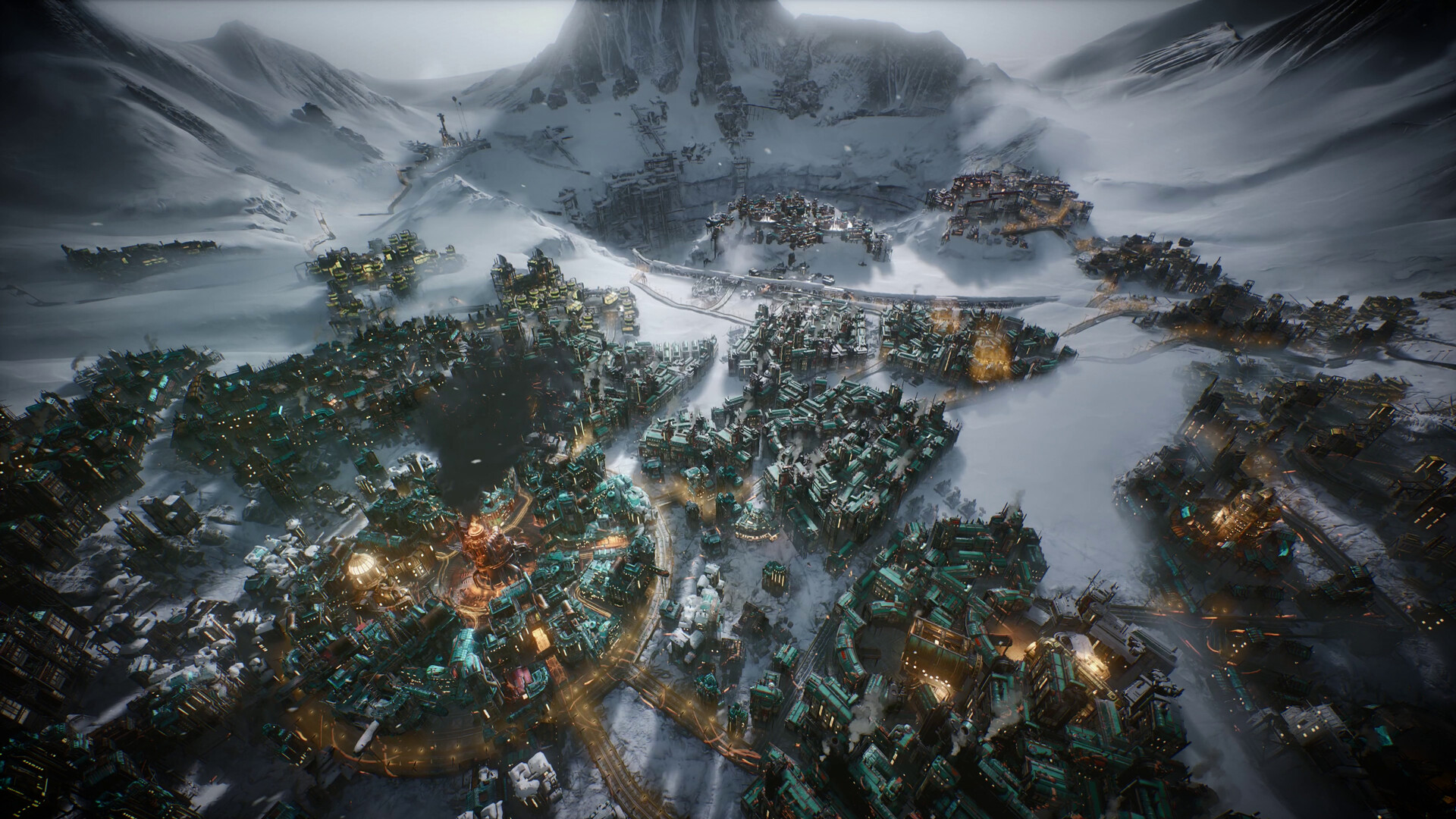
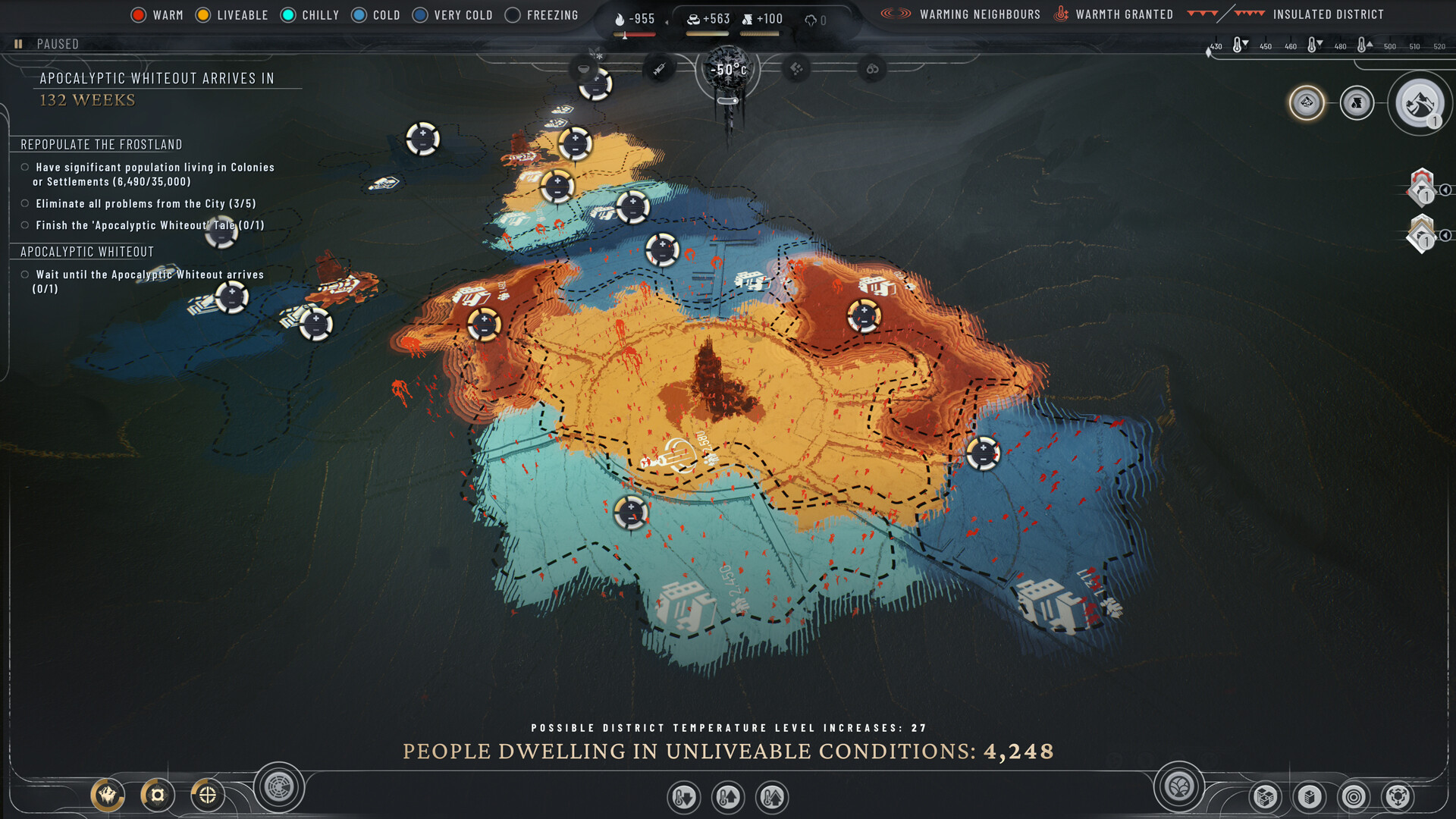
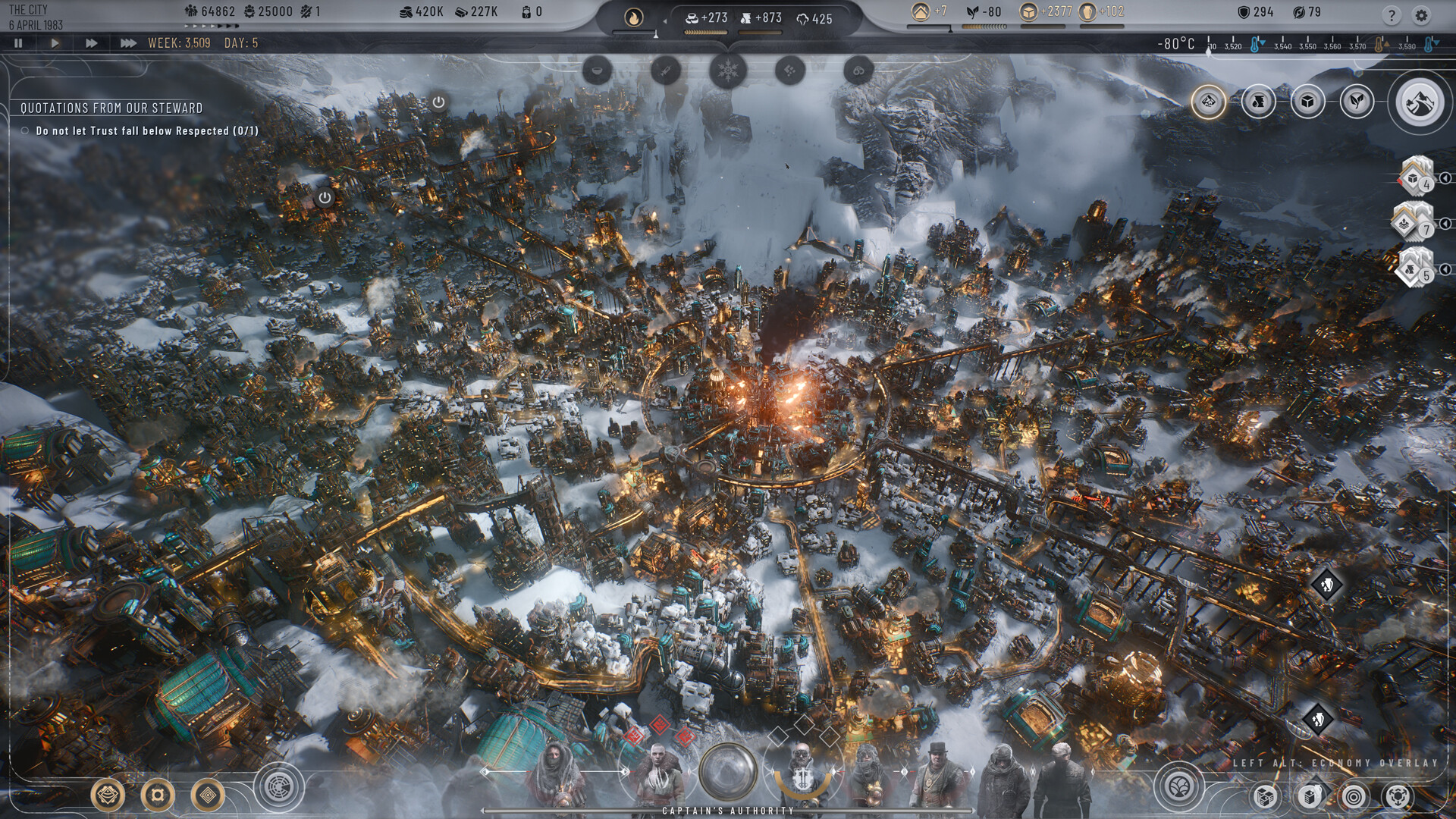
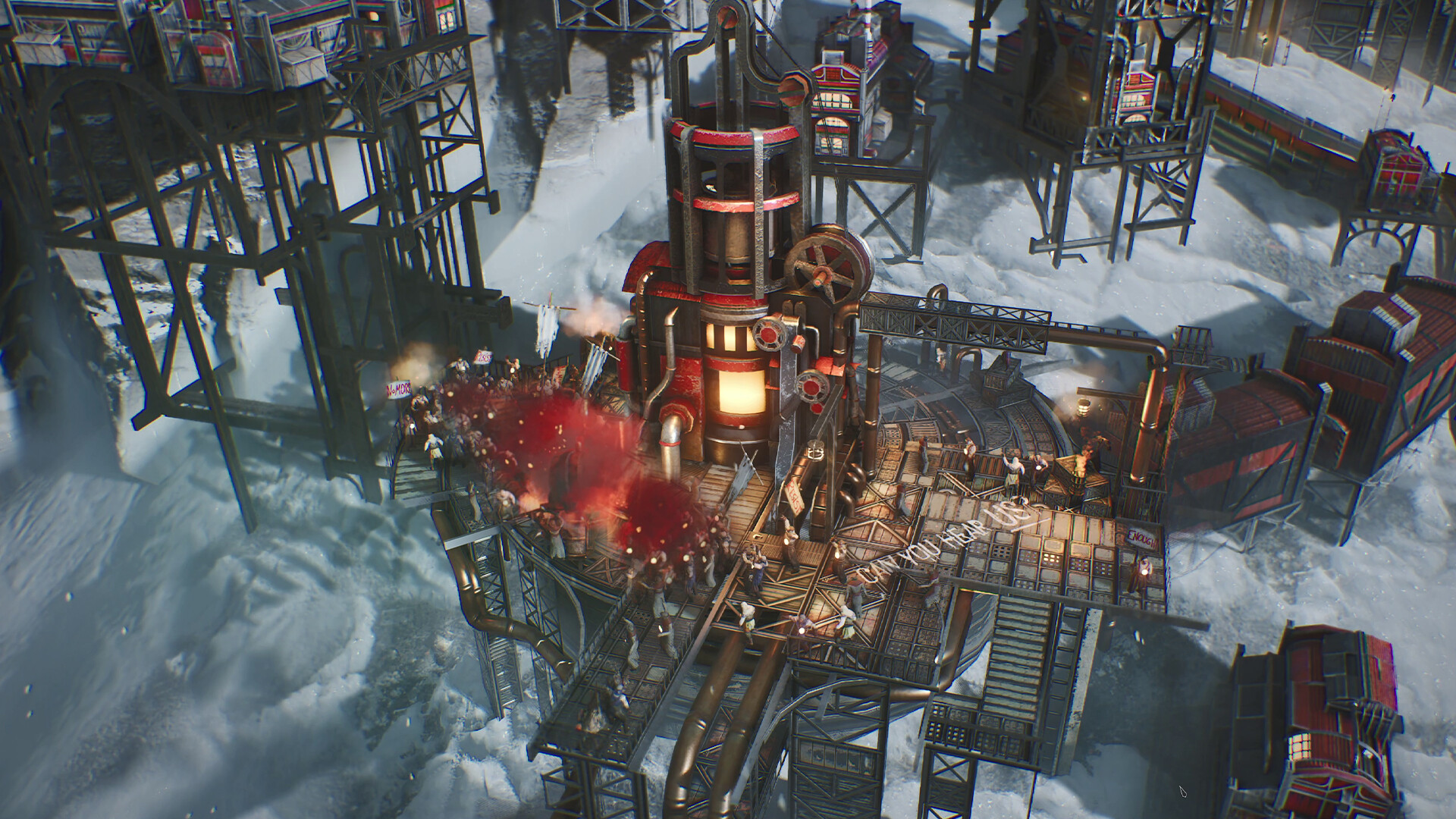
Will Frostpunk 2 run on your PC
For most of a playthrough, yes, and comfortably. The official minimum only asks for a GTX 1050 Ti or RX 550, an 8th-gen Core i5 or Ryzen 5, and 8GB of RAM, which is a low bar by 2026 standards. If your PC meets the recommended spec, an RTX 2060 Super or RX 5700 class card with 16GB of RAM, you should hold 60 fps at 1080p High for the early and mid game.
The catch is that Frostpunk 2 is really two different games in performance terms. Early on, it behaves like a normal strategy game and your GPU decides how it looks and how smooth it feels. Late on, once a city has grown large and you are running several colonies at once, the simulation itself becomes the bottleneck, and no graphics card fixes that.
The late-game slowdown is CPU and simulation, not your GPU
Players who push a city past roughly 15,000 to 20,000 population, or who play deep into a long Utopia-mode run, report the game chugging even on strong hardware. The main city view can drop into the teens or single digits of fps in extreme late-game saves, and autosaves start to freeze the game for several seconds while it writes to disk. That freeze gets longer the bigger your city and save file get.
This is the game's simulation and saving code working through a large amount of city, population, and colony state, and it happens regardless of GPU. A faster CPU and installing on an SSD help, since save writes are part of the stall, but there is no settings toggle that fixes it outright. If you notice things getting sluggish only in the late game, this is almost always why, not your graphics settings.
Getting a stable frame rate: which settings actually cost you fps
On the rendering side, lighting, volumetric fog, and city detail density are the settings that cost the most, sometimes 10 to 20 percent of your frame rate each on their own. Dropping those to Low or Very Low first, before touching shadows or texture quality, recovers the most performance for the least visual loss, since the constant snowstorm haze already hides a lot of detail.
Nvidia's DLSS is the more reliable upscaler here and is worth turning on at Quality mode on any RTX card. AMD's FSR 3 implementation has been reported to show visible artifacts and uneven frame pacing, so on Radeon cards it is often smoother to just lower a couple of settings manually instead.
VRAM, storage, and other things to check first
The minimum spec asks for a 4GB card and the recommended spec for 8GB. That tracks with what people actually see: 4GB cards get by on Low, but 8GB is where you stop worrying about texture pop-in on higher settings. You do not need more than 8GB of VRAM unless you are chasing 4K.
Frostpunk 2 only needs 30GB of storage, small by current standards, but it does require an SSD rather than just recommend one. Installing it on a mechanical hard drive will make loading and the autosave stalls noticeably worse on top of the late-game slowdown described above.
Can I run Frostpunk 2? Your questions answered
Technically, since 8GB is the stated floor, but comfort lives at 16GB, the recommended figure, especially once your city grows large and the simulation starts holding more state in memory.
The recommended figure is 16GB. 16GB is the official recommended amount and covers the game at 1080p and 1440p through a full playthrough. 32GB is not required.
Yes, an SSD is an official requirement, not just a suggestion. It also softens the autosave freezes that show up once your city gets large, since a hard drive makes those stalls longer.
About 30GB, which is small for a game this scope. Leave a little extra room for patches and save files, since long campaigns build up sizeable saves over time.
Two separate reasons. The rendering side is heavier than the original Frostpunk because of the fog, lighting, and much larger city view. Separately, and this is the bigger one people run into, the city and colony simulation itself gets heavier as your population and save file grow, and that part is CPU and disk-bound rather than graphics-bound.
Once a city passes roughly 15,000 to 20,000 population, or a Utopia-mode run runs long, the simulation and autosave process start to strain. Frame rate can drop hard in the main city view and autosaves can freeze the game for several seconds. It happens on strong PCs too, since it is a simulation and saving issue, not a graphics one.
Save files grow with your city, population, and number of colonies, and writing that state to disk takes longer as a campaign goes on. Late-game saves have been reported taking upwards of ten to fifteen seconds. Installing on an SSD and playing on the fastest CPU you have both shorten this.
Yes. A DirectX 12 capable graphics card is required.
Yes. 11 bit studios has shipped multiple patches addressing frame rate and stutter since the September 2024 launch. Early benchmarks from launch week run somewhat worse than what most players see on a current, patched install.
No. Frostpunk 2 is a separate install with its own requirements, and it plays as a standalone sequel. You do not need the first game installed.
If it is bad from the start, check your graphics card against the minimum first and lower fog, lighting, and city detail settings. If performance is fine early but drops as your save progresses, that is the simulation load, and a faster CPU plus an SSD will help more than a new graphics card.
Yes, on modest settings. The RTX 3050 meets what Frostpunk 2 needs at minimum, so 1080p low to medium is the sweet spot.
Yes, on modest settings. The GTX 1650 meets what Frostpunk 2 needs at minimum, so 1080p low to medium is the sweet spot. Below the official minimum card. Expect around 20 to 25 fps at 1080p Low.
Good enough to play. The GTX 1060 6GB sits at Frostpunk 2's minimum, so expect 1080p low to medium and a bit of tuning for smoothness. Around 25 to 30 fps at 1080p on Low to Medium settings.
It clears the bar. The RX 580 matches Frostpunk 2's minimum, so 1080p on low to medium is realistic once you tune a few settings.
Comfortably, yes. The RTX 4060 clears Frostpunk 2's recommended bar, which puts high 1080p and 1440p both in reach. Roughly 40 to 45 fps at 1080p Ultra, and well past 60 on High with DLSS on.
Yes. On the RTX 3060, Frostpunk 2 runs at high settings in 1080p and scales up to 1440p without much fuss. About 30 to 35 fps at 1080p Ultra, comfortably in the 50s on High settings.
Yes, comfortably. The RTX 2060 sits at or above Frostpunk 2's recommended card, so 1080p on high is smooth and 1440p is well within reach. Roughly 25 to 30 fps at 1080p Ultra, closer to 45 to 50 once you drop to Medium.
Runnable. The GTX 1660 covers Frostpunk 2's minimum, meaning 1080p low to medium and a smoother feel after a small settings drop.
It clears the bar. The GTX 1660 Super matches Frostpunk 2's minimum, so 1080p on low to medium is realistic once you tune a few settings.
For sure. The RX 6600 outpaces Frostpunk 2's recommended card, leaving you high 1080p now and 1440p whenever you like. Similar to an RTX 2060 here, around 25 to 30 fps at 1080p Ultra.
Playable, yes. The GTX 1660 Ti passes Frostpunk 2's minimum bar, so aim for low to medium at 1080p and drop settings if the frame rate dips.
The RTX 3060 Ti is a strong fit for Frostpunk 2. It lands at or above the recommended spec, so high 1080p is comfortable and 1440p works. Around 35 to 40 fps at 1080p Ultra, a clear step above the RTX 3060.
Yes. The RTX 4050 has headroom over Frostpunk 2's recommended card, so you can push 1080p high and move to 1440p when you want.
Yes, though keep expectations modest. The GTX 1050 Ti clears Frostpunk 2's minimum, so plan on 1080p at low to medium and trim a setting or two for a steady frame rate.
Easily. With the RTX 4070 you are past Frostpunk 2's recommended tier, which means high settings at 1080p and a genuine shot at 1440p. About 55 to 60 fps at 1080p Ultra, one of the first cards to hold a steady 60 at max settings.
11 bit studios never built a native Mac version, Apple Silicon Air and Pro included, so a MacBook needs outside help to run this. Cloud streaming through a service like GeForce Now is the workaround worth trusting; an unofficial Windows layer such as CrossOver is not guaranteed to work well.
Not reliably. The official minimum is a dedicated GTX 1050 Ti or RX 550, and most integrated graphics chips sit below that bar. The exception is a recent, fairly strong integrated GPU like AMD's Radeon 780M, which can manage Low settings at 1080p, though not comfortably once a city gets large.
A Chromebook reaches this only through cloud streaming, such as GeForce Now, which runs the game on remote hardware and sends you the video.
Yes, though it currently carries Steam's Playable rating rather than Verified, mainly over some controller and text-size quirks rather than raw performance. On a Steam Deck, low settings with TSR upscaling on Performance or Ultra Performance holds a fairly steady 35 to 40 fps. A ROG Ally or Legion Go, being a bit more powerful, should sit at or above that.
You need something close to an RTX 4090 for a smooth native 4K at Ultra settings, and even then it sits closer to 45 to 50 fps rather than a locked 60. Dropping to Medium settings at 4K gets a 4090 comfortably past 60. Anything below that tier is better off at 1440p or 1080p.
An RTX 4060 or better handles 1440p at High settings reasonably well, and an RTX 4070 or above gets you closer to 60 fps at max settings.
At 1080p Ultra, benchmarks put a steady 60 fps around an RTX 4070 or RX 6800 class card. At High rather than Ultra settings, an RTX 4060 gets you there too. Keep in mind that late-game simulation slowdown is separate from this and is not fixed by a stronger GPU.
Yes with a strong card, but it is demanding. Early benchmarks showed only top-tier cards like the RTX 4090 and RX 7900 XTX clearing 60 fps at 1080p Ultra, though patches since launch have improved this for the mid-range. If you have anything below an RTX 4060 class card, High settings will look nearly as good and run noticeably better.
It meets the official minimum and is playable on Low settings, but it is the tight end. 8GB, the recommended amount, is where texture and fog detail stop causing pop-in on higher settings.
Yes. 8GB is the official recommended amount and covers 1080p and 1440p at high settings comfortably. You only need more if you are pushing native 4K.
Work down this list first: a graphics card weaker than the GTX 1050 Ti or RX 550 minimum, under 8GB of RAM, out-of-date graphics drivers, or an install sitting on a drive that does not meet the SSD requirement.
No native Linux build exists, but Proton runs it, earning Steam's Playable rating, held back mainly by controller and text-size quirks rather than actual performance. Lower-power hardware running low settings with TSR upscaling on Performance or Ultra Performance holds a fairly steady 35 to 40 fps, and a more capable Linux desktop GPU sits comfortably above that.
Yes, since September 2025, and it is available through Xbox Game Pass. There is no version for the older Xbox One. This page covers the PC version and its requirements.
Yes, since September 2025. There is no PS4 version, only PS5. This page covers the PC version and its requirements.
The console release only targets PS5 and Xbox Series X/S. 11 bit studios did not bring it to the older PS4 or Xbox One hardware, likely because the simulation and rendering load would be too heavy for those consoles.
No. There is no Switch version. It is available on PC, PS5, and Xbox Series X/S.
Within limits, yes. At the minimum spec, a GTX 1050 Ti or RX 550, an i5-8400 class CPU, and 8GB of RAM, you can play at 1080p Low around 30 fps for the early game. Just know that even a low-end PC will feel the late-game simulation slowdown the same as a high-end one does, since that part is not about raw GPU power.
A recent i3 or Ryzen 3 can handle the early and mid game reasonably well, since the official minimum only asks for an older i5 or Ryzen 5. Where an older or weaker CPU shows its limits is late in a long campaign, where the simulation load leans on the CPU harder as your city and colony count grow.
You can. Cloud services such as GeForce Now handle the actual computing on their own servers and just stream the result to your screen, so about all your device needs to manage is smooth video playback.
No always-online requirement has been reported. It launches and plays through Steam, the Epic Games Store, or Game Pass like a standard single-player game, though platform launchers may need their own sign-in.
Yes, both are available. DLSS is the more reliable option on Nvidia cards and worth leaving on at Quality mode. FSR 3 has been reported to show artifacts and uneven frame pacing, so on AMD hardware you may get a smoother result by lowering a setting or two manually instead of relying on it.
For most players, yes. The official recommended amount is 16GB and that covers the game through a normal playthrough. Extremely long, high-population saves push memory use up as the simulation tracks more state, so 32GB can help there, but it is not something most players need to buy for.
Yes, it is available through PC Game Pass in addition to Steam and the Epic Games Store. The console versions on PS5 and Xbox Series X/S also launched into Game Pass.
No official frame rate cap has been reported, and the game does not ship a dedicated in-game FPS counter. Use Steam's built-in frame rate overlay, or a tool like MSI Afterburner, if you want to keep an eye on your numbers while you play.
Yes, 11 bit studios ran an open beta ahead of the September 2024 launch, and early benchmark sites tested performance against that build. The full release and the patches since have shifted the numbers somewhat, so treat beta-era benchmarks as a rough starting point rather than the final word.