
Can I Run inZOI on My PC / Laptop?
A photorealistic life-simulation game built on Unreal Engine 5, and unusually demanding hardware-wise for its genre.
Check if your PC can run inZOI
Pick your graphics card and processor to check.
Can I run inZOI on my PC?
Use the checker above to find out in seconds. Pick your graphics card and processor and it compares them against inZOI's official requirements. As a quick guide, you need at least a NVIDIA RTX 2060 (6G VRAM), AMD Radeon RX 5600 XT (6G VRAM) graphics card, a Intel i5 10400, AMD Ryzen 5 3600 processor, and 12 GB RAM of RAM to play at 1080p.
Can I run inZOI on my laptop?
Yes, if your laptop has a dedicated graphics card around a NVIDIA RTX 2060 (6G VRAM), AMD Radeon RX 5600 XT (6G VRAM) or better and 12 GB RAM of RAM. Laptops with only integrated graphics usually fall short. Enter your laptop's GPU in the tool above to check. Keep in mind that the laptop version of a card runs a little slower than the desktop card of the same name, and heat can lower sustained frame rates.
inZOI is not a light game, and that catches people off guard because it looks like a Sims rival. The official minimum is an RTX 2060 or RX 5600 XT with 6GB of VRAM, an i5-10400 or Ryzen 5 3600, and 12GB of RAM, which is closer to a modern shooter than a life sim. The part most people miss is that Krafton's own preset system already has upscaling switched on at every tier, including the minimum, so the specs on the store page are not native-resolution numbers.
Below you will find real-world frame rate ranges for common cards, why this game leans so hard on your graphics card for a genre that usually doesn't, and what to do about the stutter and VRAM use that early access players are running into most. Run your exact CPU, GPU, and RAM through the checker above to see how you stack up against those tiers.
inZOI system requirements
| Minimum | Recommended | |
|---|---|---|
| Processor (CPU) | Intel i5 10400, AMD Ryzen 5 3600 | intel i7 12700k, AMD Ryzen 7 7800x3D |
| Graphics card (GPU) | NVIDIA RTX 2060 (6G VRAM), AMD Radeon RX 5600 XT (6G VRAM) | NVIDIA RTX 3070 (8G VRAM), AMD Radeon RX 6800 XT (16GB VRAM) |
| Memory (RAM) | 12 GB RAM | 16 GB RAM |
| Operating system | Windows 10/11 | Windows 11 |
| DirectX | Version 12 | Version 12 |
| Storage | 40 GB available space | 60 GB available space |
Storage: 40 GB for the minimum install, 60 GB at the recommended tier, and reports put the highest quality preset closer to 75 GB. An SSD is not listed as an official requirement, but it cuts down on the texture streaming stutter a lot.
inZOI FPS by graphics card
| Graphics card | 1080p | 1440p | 4K | Notes |
|---|---|---|---|---|
| GTX 1650 | ~20 | , | , | Below the official minimum. Low settings and upscaling forced on, and some of the on-device AI character features may not run at all. |
| GTX 1060 6GB | ~20-25 | , | , | Also below minimum. No DLSS, so you're relying on FSR or XeSS at Low just to stay playable. |
| RTX 2060 6GB | ~30-40 | , | , | The official minimum card. This roughly matches Krafton's own Minimum preset, which already has upscaling on. |
| RTX 3060 12GB | ~50-55 | ~40 | ~20 | Community FPS-calculator estimates, ray tracing off. Treat these as directional, not lab-measured, since third-party benchmark coverage of inZOI is still thin. |
| RX 6600 | ~35-45 | , | , | Below the AMD recommended RX 6800 XT. Medium settings with FSR turned on gets you into playable range. |
| RTX 4060 8GB | ~55-65 | , | , | Above minimum, close to recommended, with DLSS Quality mode doing a lot of the work. |
| RTX 3070 8GB | ~60 | ~45-50 | , | The official recommended card. This is close to Krafton's own Recommended preset target. |
| RTX 4070 12GB | ~75+ | ~60 | ~45-50 | Comfortably above recommended, and the first card on this list where 4K with DLSS Quality is realistic. |
inZOI is still in early access, so there is very little formal lab-benchmark coverage yet, unlike a finished AAA release. These numbers blend the few real GPU tests that exist with community FPS calculators and player reports, and they will move around with patches, your exact scene, and your driver version, so treat them as a starting range rather than a guarantee.
Can these graphics cards run inZOI?
| Graphics card | Verdict | Notes |
|---|---|---|
| GTX 1050 Ti | Below minimum | Short of minimum. Low settings, a choppy frame rate. |
| GTX 1650 | Below minimum | Below the minimum. Very low settings, low frame rates. |
| RX 570 | Below minimum | Below the minimum card. Very low settings, if it runs. |
| RX 580 | Below minimum | Does not meet minimum. Rough performance is likely. |
| GTX 1060 6GB | Below minimum | Under the requirement. Lowest settings, low frame rate. |
| GTX 1650 Super | Below minimum | Does not meet minimum. Rough performance is likely. |
| GTX 1660 | Below minimum | Under the requirement. Lowest settings, low frame rate. |
| GTX 1660 Super | Below minimum | Under the requirement. Lowest settings, low frame rate. |
| RTX 3050 | Below minimum | Short of minimum. Low settings, a choppy frame rate. |
| GTX 1660 Ti | Below minimum | Under minimum. Expect the lowest settings and weak fps. |
| RX 6600 | Below minimum | Beneath the bar. Very low settings, and it may not run. |
| RTX 2060 | Playable | Runnable at minimum. Low to medium 1080p, ease settings back. |
| RTX 4050 | Playable | Minimum covered. 1080p low to medium is the target. |
| Arc A750 | Playable | At the minimum bar. 1080p low to medium, drop a setting if needed. |
| RTX 3060 | Playable | Clears the minimum. 1080p low to medium, better with upscaling. |
| RX 6600 XT | Playable | Meets minimum. Low to medium at 1080p, tune for a steady rate. |
| RX 7600 | Playable | Meets the bar. Low to medium settings at 1080p. |
| RX 6700 XT | Playable | At the minimum bar. 1080p low to medium, drop a setting if needed. |
| RTX 4060 | Playable | Minimum covered. 1080p low to medium is the target. |
| RTX 3060 Ti | Playable | Minimum covered. 1080p low to medium is the target. |
| RTX 3070 | Runs well | Exceeds recommended. 1080p high is comfortable, 1440p fine. |
| RTX 4070 | Runs well | Recommended tier or better. High 1080p, with room for 1440p. |
Why a life sim needs a real graphics card
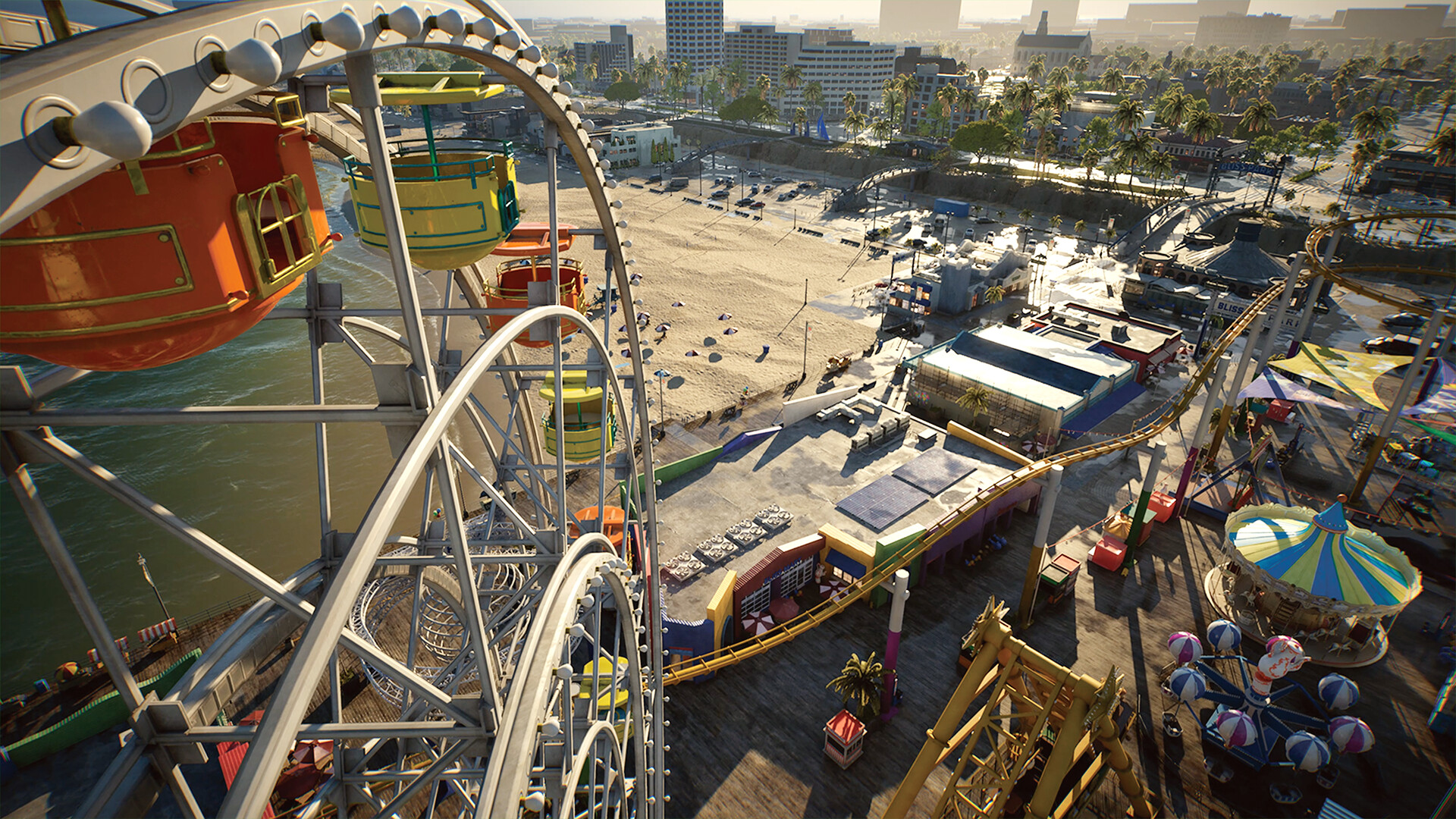
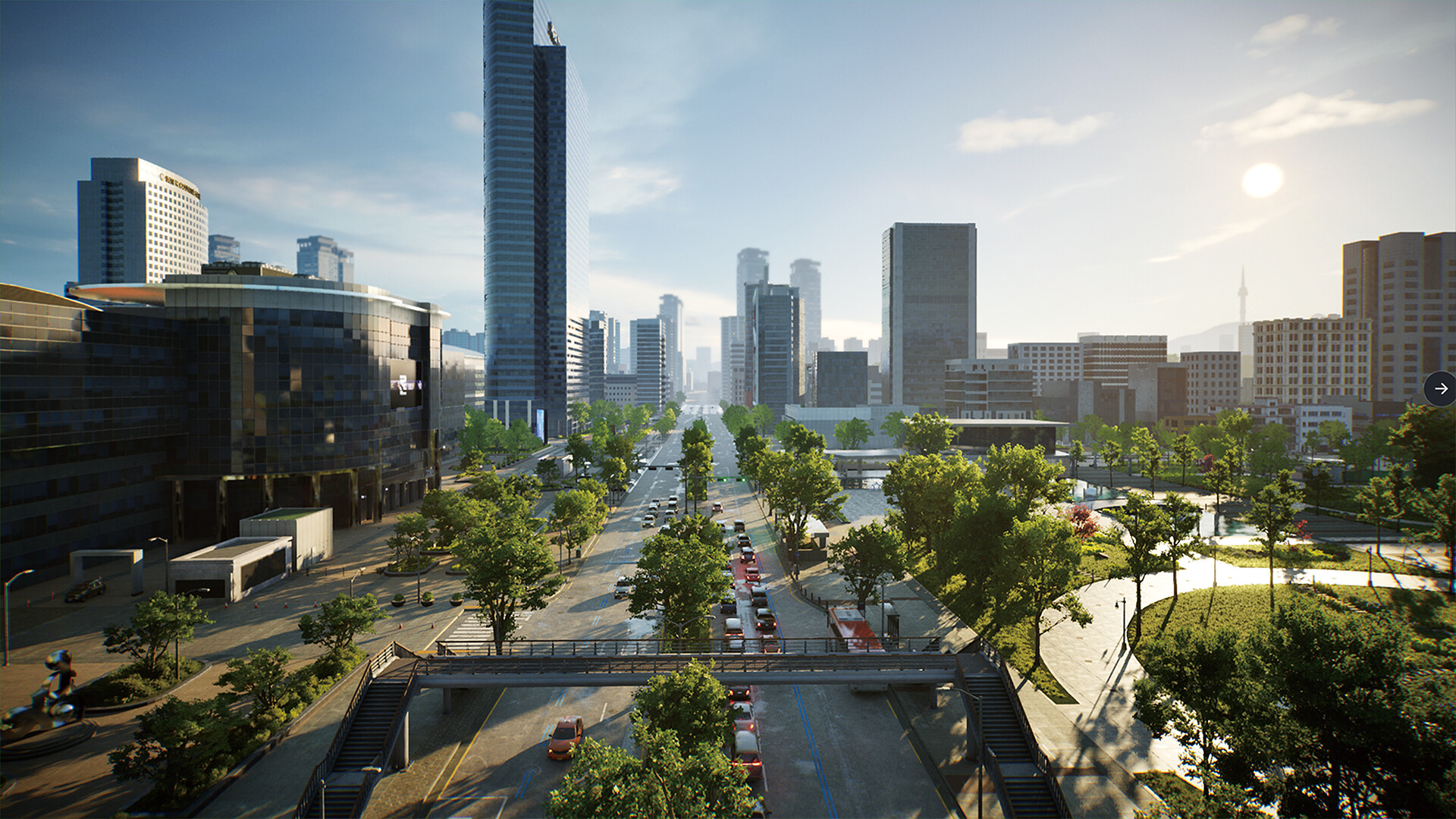
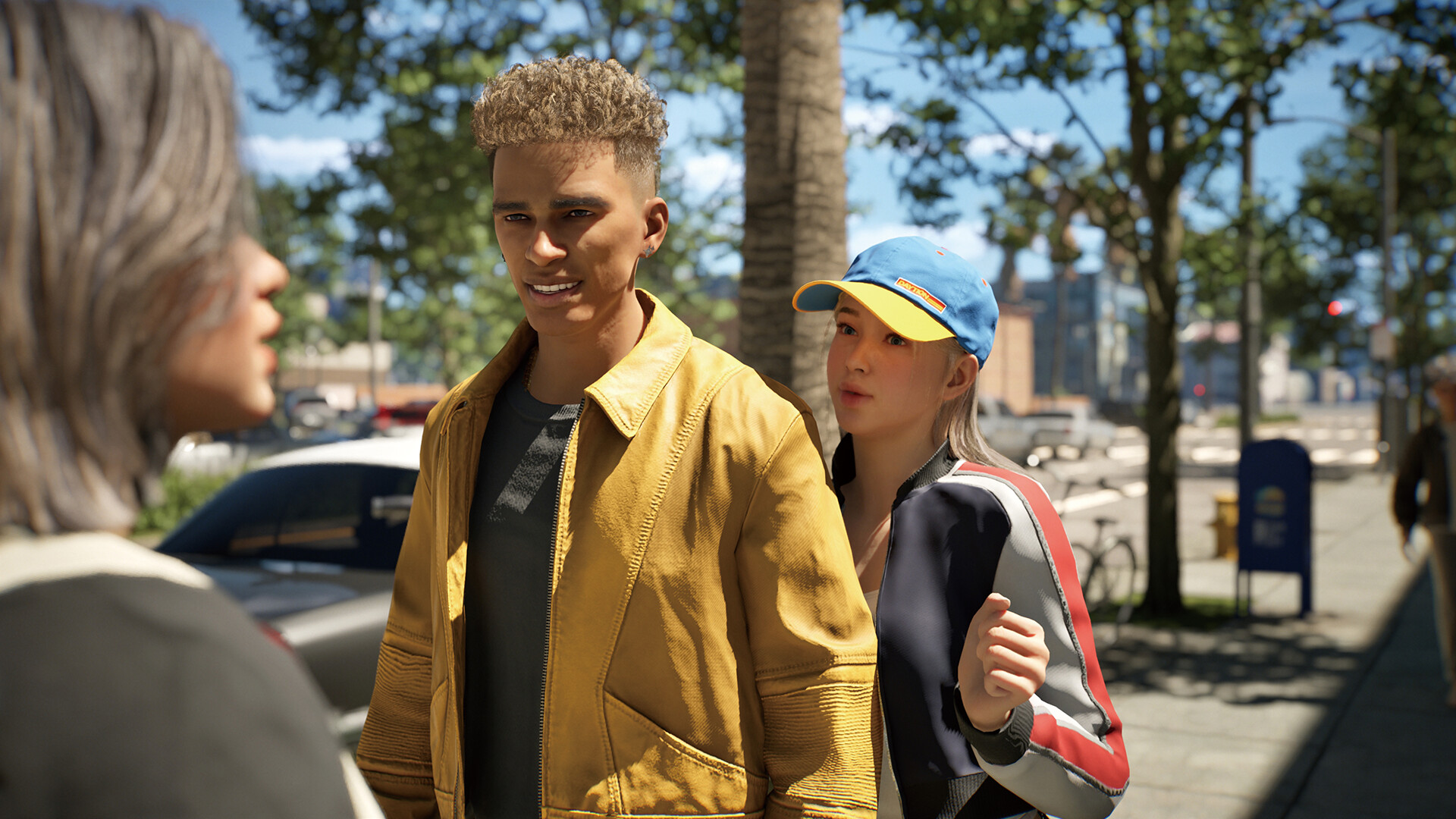
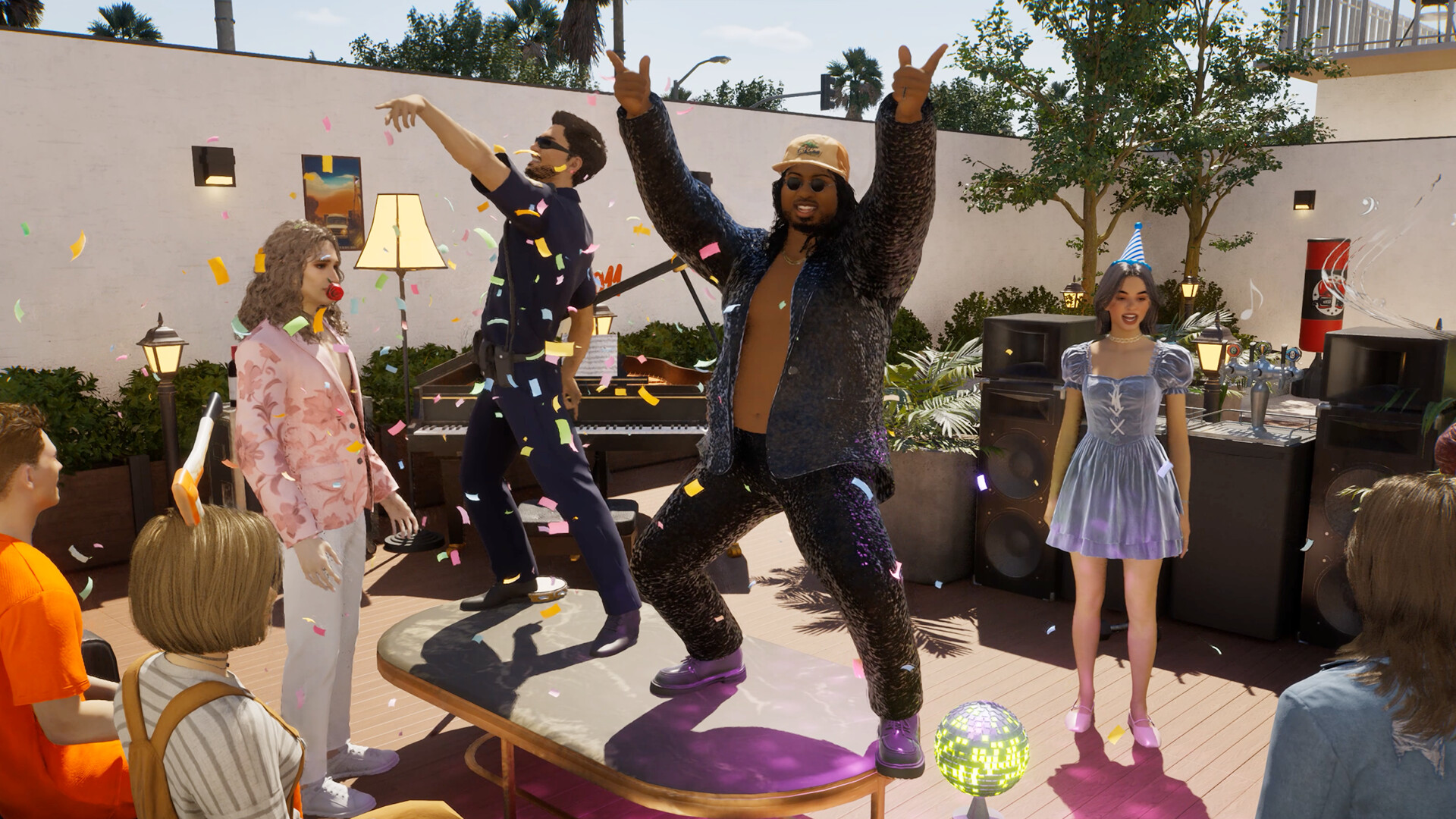
inZOI runs on Unreal Engine 5 with Lumen lighting and near-photorealistic characters and cities, which is already heavier than the cartoon-style rendering most life sims use. On top of that, its Smart Zoi feature runs a small AI model directly on your machine so non-player characters can make their own decisions without a server round trip, and that adds its own chunk of VRAM use on top of the rendering. Older cards, roughly GTX 10-series and earlier, can't run Smart Zoi at all.
The other detail that trips people up is that Krafton built upscaling into every official preset, including the Minimum one. That means the RTX 2060 minimum spec is not a native 1080p number. It already assumes DLSS, FSR, or XeSS is switched on. If you compare your card against these specs at native resolution, you will come away thinking the game runs worse than it does.
VRAM and the Smart Zoi AI feature
Expect inZOI to use around 8GB of VRAM in normal play, closer to 9GB with hardware ray tracing and upscaling both on, and up to roughly 12GB at the highest settings with Smart Zoi and frame generation running together at 4K. A 6GB card, the official minimum, is going to be tight, especially once you have a large household and a busy neighborhood loaded.
If Smart Zoi refuses to turn on or your NPCs feel scripted rather than reactive, check your GPU generation first. It needs a reasonably modern card, and it is disabled outright on GTX 10-series and older hardware regardless of how much VRAM you have.
Stutter, RAM use, and what to lower first
Shader compilation and asset streaming stutter show up for a lot of players, especially the first time you enter a new lot or neighborhood, and it happens even at lower settings since it is tied to how Unreal Engine 5 loads assets rather than to your graphics settings alone. Krafton has shipped patches aimed at VRAM and shadow optimization and has said more performance work is coming, which is normal for an early access UE5 title.
You will also likely see your system RAM sit at 70 to 85 percent used during a normal session. That is Unreal Engine 5 caching assets ahead of time, not a memory leak, so don't panic if the number looks high. If you are chasing frame rate, upscaling is the first lever to pull since the game is built around it, followed by shadow quality and crowd or NPC density, which cost more here than in most life sims because of the AI behavior running behind them.
Platforms, storage, and what's still changing
inZOI is PC only right now, sold through Steam with day-one availability on GeForce Now for cloud play. Krafton has announced a PS5 version for 2026, so a console release is coming but is not out yet, and an Xbox version is still only under consideration. There is no Nintendo Switch version and none appears planned. A native Mac version did arrive through the Island Getaway DLC, but it needs an Apple M2 chip or newer and 16GB of RAM, so an older Intel Mac or an M1 won't run it.
Storage sits at 40GB for the minimum install and 60GB at the recommended tier, climbing toward 75GB if you install the highest quality assets. Because this is an early access game, treat all of these numbers, including the official specs themselves, as subject to change before the full 1.0 release. Steam Deck is officially listed as unsupported rather than Verified or Playable, and players report black screens on the default setup that usually need a manual Proton GE override to fix.
Can I run inZOI? Your questions answered
It's built on Unreal Engine 5 with Lumen lighting and photorealistic characters instead of the cartoon-style rendering most life sims use, and it runs an on-device AI model for NPC behavior called Smart Zoi, which adds extra VRAM and processing load on top of the graphics. That combination is closer to a modern open-world game than to The Sims.
Yes. Krafton built its own preset system around upscaling being switched on at every tier, including the Minimum preset, so the listed specs are not native-resolution numbers. If you're comparing your card at native resolution, you should expect somewhat lower frame rates than the spec sheet implies.
12GB is the official minimum and 16GB is recommended. During play, expect your RAM usage to sit around 70 to 85 percent, which is Unreal Engine 5 caching data ahead of time rather than a leak. If you're on exactly 12GB, 16GB is a worthwhile upgrade.
No. The official minimum is 12GB, and 8GB sits below that. Expect stutter, long load times, and possible crashes if you try to run it on 8GB.
It isn't listed as an official requirement, but it's strongly worth having one anyway. Unreal Engine 5 streams assets from disk constantly, and a hard drive makes the existing streaming stutter noticeably worse.
40GB for the minimum install, 60GB at the recommended tier, and reports put the highest quality asset preset closer to 75GB. Leave some extra room for patches, since this is an early access game that updates often.
Yes. DirectX 12 support is required at every spec tier, and there's no DirectX 11 fallback.
Smart Zoi is inZOI's on-device AI feature that lets NPCs make their own decisions using a small language model running locally on your PC rather than on a server. It adds extra VRAM use on top of normal rendering, and it doesn't run at all on GTX 10-series or older graphics cards, regardless of how much VRAM they have.
Most of the stutter people report is shader compilation and asset streaming, both tied to how Unreal Engine 5 loads the world rather than to raw GPU power. It shows up most when you enter a new lot or neighborhood for the first time, and lowering graphics settings alone doesn't fully fix it. Krafton has shipped optimization patches and says more are coming, which is typical for a UE5 game in early access.
It's likely. Krafton has already patched VRAM and shadow handling since launch and has said performance work is ongoing, so treat the current minimum and recommended specs as a snapshot rather than the final word. Check back closer to the 1.0 release if you're on borderline hardware.
Yes, it has a hardware ray tracing option, which pushes VRAM use up further, close to 9GB in testing. It's optional and the game looks solid with it off, so leave it off if you're near the minimum spec.
You'll be under the official minimum, which is an i5-10400 or Ryzen 5 3600. An i3 or Ryzen 3 can sometimes limp through at low settings, but expect stutter during busy scenes since the CPU handles the character simulation and asset streaming, not just the graphics.
Yes, DLSS, FSR, and XeSS are all optional toggles, not forced. Just know that Krafton's own official spec tiers already assume one of them is on, so running fully native at the same resolution will land you below the frame rates the spec sheet implies, especially near the minimum end.
Not a good match. inZOI asks for more than the RTX 3050 provides, so you would be stuck on very low settings and choppy frame rates.
It is under the bar. The GTX 1650 does not meet inZOI's minimum, so any play would be very low settings with weak performance. A GTX 1650 sits below the official minimum. Expect somewhere around 20 fps at 1080p Low even with upscaling forced on, and Smart Zoi's AI character features may not run at all on this card.
Not really. The GTX 1060 6GB falls under inZOI's minimum card, so you are looking at very low settings and low frame rates, if it starts at all. The GTX 1060 6GB predates DLSS and falls short of the RTX 2060 minimum. Community reports put it around 20 to 25 fps at 1080p Low with FSR or XeSS turned on.
Below spec. The RX 580 does not clear inZOI's minimum, so plan for low settings, low fps, or a game that will not boot.
Playable, yes. The RTX 4060 passes inZOI's minimum bar, so aim for low to medium at 1080p and drop settings if the frame rate dips. Around 55 to 65 fps at 1080p High with DLSS Quality mode on, a comfortable margin above the official minimum.
The RTX 3060 gets you in. It meets inZOI's minimum, so low to medium at 1080p works, and turning a couple of things down keeps it steady. Community FPS-calculator estimates put the RTX 3060 around 50 to 55 fps at 1080p, near 40 fps at 1440p, and roughly 20 fps at native 4K with ray tracing off. Treat these as directional given how little formal benchmark testing exists so far.
Runnable. The RTX 2060 covers inZOI's minimum, meaning 1080p low to medium and a smoother feel after a small settings drop. This is the official minimum card. Expect roughly 30 to 40 fps at 1080p on the Minimum or Medium preset, keeping in mind Krafton's own presets already assume upscaling is on.
This one struggles. The GTX 1660 sits below what inZOI needs, so expect low settings, low fps, and possibly some launch trouble.
Realistically, no. The GTX 1660 Super is beneath inZOI's minimum, which means very low settings and a rough frame rate at best.
Expect problems. The RX 6600 lands below inZOI's minimum card, so low settings and low frame rates are the ceiling, assuming it runs. Below the official AMD recommendation of an RX 6800 XT. Expect around 35 to 45 fps at 1080p Medium with FSR turned on, similar territory to an RTX 3060 but without DLSS.
Probably not worth it. The GTX 1660 Ti is short of inZOI's minimum, so even very low settings may not give a smooth result.
Fine for a lighter setup. The RTX 3060 Ti clears inZOI's minimum, so target 1080p low to medium and adjust down for a steady rate. A step above the RTX 3060, expect somewhere around 55 to 60 fps at 1080p High with upscaling on Quality mode, and mid-40s fps at 1440p.
You can play it. The RTX 4050 is at inZOI's minimum, so keep to 1080p low to medium and lower a setting if it stutters.
Underpowered here. The GTX 1050 Ti sits below inZOI's minimum, so expect the lowest settings and a frame rate to match.
Yes, with room to spare. inZOI recommends less than the RTX 4070 offers, so expect smooth 1080p high and a playable 1440p. Comfortably above recommended. Roughly 60 fps at 1440p High without upscaling, and native 4K becomes realistic with DLSS Quality at around 45 to 50 fps.
Only on an M2 chip or newer with 16GB of RAM, through the native Mac support that arrived with the Island Getaway DLC. An M1 MacBook or an older Intel Mac can't run it locally, though GeForce Now streaming is an option on any Mac.
No. The official minimum is a dedicated RTX 2060 or RX 5600 XT with 6GB of VRAM, and integrated graphics chips fall well short of that, especially with Smart Zoi's extra AI load factored in.
A Chromebook's hardware simply isn't built for a game like this, and local play isn't an option. GeForce Now streaming is the realistic route there instead.
The Steam Deck is officially listed as unsupported, not Verified or Playable, and players have reported black screens that usually need a manual Proton GE override to work around, along with very low frame rates even at the lowest settings. The ROG Ally and Legion Go have more powerful hardware, but inZOI isn't optimized for any handheld right now, so expect a rough experience on all three.
You'll want at least an RTX 4070 with DLSS Quality mode for a smooth 4K experience, landing around 45 to 50 fps. Weaker cards can technically output 4K but will need aggressive upscaling and lowered settings to stay playable.
An RTX 3070 or RX 6800 XT, the official recommended cards, get you into the mid-40s to 50 fps range at 1440p with upscaling on. An RTX 4070 or better holds a steadier 60 fps there.
An RTX 3070 or RX 6800 XT class card gets you close to 60 fps at 1080p High, which lines up with Krafton's own Recommended preset. Weaker cards can often reach 60 by leaning harder on DLSS or FSR and dropping a setting or two.
You'll want an RTX 4070 class card or better for the highest preset at 1080p or 1440p with room to spare. Below that, the highest settings are possible but will need upscaling to stay smooth.
It's the official minimum, and it's tight. Expect around 8GB of VRAM used in normal play and closer to 9GB with ray tracing and upscaling both on, so a 6GB card is right at the edge, especially in busy neighborhoods with a lot of characters loaded.
Yes, through GeForce Now, which has offered inZOI as a cloud title since launch. Your own hardware only needs to handle video streaming, not the actual game processing.
Check first for a graphics card below the RTX 2060 minimum, less than 12GB of RAM, or out of date graphics drivers. If it runs but stutters, that's most often shader compilation and asset streaming tied to Unreal Engine 5 rather than a setting you can simply turn off, and it's a known issue Krafton is still patching.
Yes, both Windows 10 and 11 are listed on the minimum spec, though the recommended tier specifically calls out Windows 11.
No, this one is a rough no for now. inZOI is officially listed as unsupported on Steam Deck rather than Verified or Playable, and players trying it on Linux report black screens that typically need a manual Proton GE override just to launch, plus very low frame rates even on the lowest settings. It isn't optimized for Proton at all right now, so hold off until that changes.
Only with real compromises. Below the RTX 2060 or RX 5600 XT minimum, cards like a GTX 1060 or GTX 1650 can technically load the game but stay around 20 to 25 fps at 1080p Low even with upscaling forced on, and Smart Zoi's AI features may not work at all. Treat anything below the official minimum as a rough experience rather than unplayable.
Not yet. Krafton has announced a PS5 version for 2026, but as of now inZOI is a PC-only release through Steam. This page covers the PC version.
There's no Xbox version out or confirmed. Krafton has said an Xbox release is under consideration, but nothing has been announced beyond that.
No, and there's no indication one is planned. inZOI's Unreal Engine 5 visuals and on-device AI features aren't the kind of thing the Switch or Switch 2 hardware is built to run.
Yes. It launched with day-one support on GeForce Now, so you can stream it through the cloud on hardware that couldn't otherwise run it, including Macs and Chromebooks.
That's the expectation with most early access Unreal Engine 5 titles. Krafton has already shipped patches targeting VRAM and shadow optimization since launch and has said more performance work is planned before the full release, but there's no guarantee of exact numbers yet.
It leans GPU and VRAM heavy because of the Unreal Engine 5 rendering and the Smart Zoi AI feature, but a weak CPU will still show up as stutter when the game streams in a new area or simulates a lot of characters at once. A mid-range CPU from the last five years paired with a solid GPU is the safer combination than the reverse.