
Can I Run Stardew Valley on My PC / Laptop?
A pixel-art farming and life sim so light on hardware that almost any Windows, Mac, or Linux computer already handles it.
Check if your PC can run Stardew Valley
Pick your graphics card and processor to check.
Can I run Stardew Valley on my PC?
Use the checker above to find out in seconds. Pick your graphics card and processor and it compares them against Stardew Valley's official requirements. As a quick guide, you need at least a 256 mb video memory, shader model 3.0+ graphics card, a 2 Ghz processor, and 2 GB RAM of RAM to play at 1080p.
Can I run Stardew Valley on my laptop?
Yes, if your laptop has a dedicated graphics card around a 256 mb video memory, shader model 3.0+ or better and 2 GB RAM of RAM. Laptops with only integrated graphics usually fall short. Enter your laptop's GPU in the tool above to check. Keep in mind that the laptop version of a card runs a little slower than the desktop card of the same name, and heat can lower sustained frame rates.
Yes, almost certainly. Stardew Valley is one of the lightest games sold on Steam: the official minimum asks for a 2 GHz processor, 2GB of RAM, and a graphics card with just 256MB of video memory, which describes hardware from the mid-2000s. The one thing people get wrong is assuming a stronger graphics card buys them something here. It does not. The game is drawn in 2D pixel art and locked to a fixed 60 frames per second, so once a PC clears that ceiling, an old laptop chip and a brand-new GPU perform identically.
Drop your exact CPU, GPU, and RAM into the checker above for a direct comparison against what the game actually needs. Past that, this page covers the short official spec sheet, why the 60 fps lock behaves the way it does, what actually causes the rare slowdown on a large, years-old farm, and answers covering Mac, Chromebook, Steam Deck, mobile, and every console version.
Stardew Valley system requirements
| Minimum | Recommended | |
|---|---|---|
| Processor (CPU) | 2 Ghz | |
| Graphics card (GPU) | 256 mb video memory, shader model 3.0+ | |
| Memory (RAM) | 2 GB RAM | |
| Operating system | Windows 10 64-bit | Windows 10/11 64-bit |
| DirectX | Version 10 | 12 |
| Storage | 500 MB available space |
Storage: 500 MB. Any drive works, including an old hard disk, since there is barely anything to load.
Stardew Valley FPS by graphics card
| Graphics card | 1080p | 1440p | 4K | Notes |
|---|---|---|---|---|
| Intel HD 4000 (2012-era integrated) | ~50-60 | , | , | One of the oldest chips people still ask about. It sits close to the cap, though the busiest festival scenes can dip into the 40s. |
| Intel UHD 620/630 (laptop integrated) | ~60 (capped) | , | , | Handles the whole game. A very large farm paired with a slow CPU is the only thing that pulls it below the cap. |
| GT 1030 / GTX 750 Ti | ~60 (capped) | , | , | Nowhere near stressed. This is well past what the game asks for. |
| GTX 1060 6GB | ~60 (capped) | , | , | Total overkill for a 2D game. Included to show the ceiling never moves. |
| RTX 3060 | ~60 (capped) | ~60 (capped) | ~60 (capped) | Resolution changes almost nothing here, since the game draws 2D sprites rather than a 3D scene. |
| RTX 4070 | ~60 (capped) | , | , | Gives Stardew Valley nothing that an integrated chip from 2015 does not already provide. |
These numbers describe whether hardware reaches the game's fixed 60 fps ceiling, not how many frames it could theoretically push past that. Stardew Valley's internal logic runs on that 60 fps rate, so it cannot go higher on PC. Real-world dips depend far more on how large and developed your farm is, how many mods you run, and your CPU, than on which graphics card you own.
Can these graphics cards run Stardew Valley?
| Graphics card | Verdict | Notes |
|---|---|---|
| GTX 1050 Ti | Runs well | Beats the recommended spec. Comfortable high 1080p, playable 1440p. |
| GTX 1650 | Runs well | Beats the recommended spec. Comfortable high 1080p, playable 1440p. |
| RX 570 | Runs well | At or above the recommended card. Smooth 1080p high, 1440p realistic. |
| RX 580 | Runs well | Strong fit. High settings at 1080p, 1440p within reach. |
| GTX 1060 6GB | Runs well | Recommended tier or better. High 1080p, with room for 1440p. |
| GTX 1650 Super | Runs well | Strong fit. High settings at 1080p, 1440p within reach. |
| GTX 1660 | Runs well | Exceeds recommended. 1080p high is comfortable, 1440p fine. |
| GTX 1660 Super | Runs well | Over the recommended bar. Smooth high 1080p, 1440p realistic. |
| RTX 3050 | Runs well | Strong fit. High settings at 1080p, 1440p within reach. |
| GTX 1660 Ti | Runs well | Recommended tier or better. High 1080p, with room for 1440p. |
| RX 6600 | Runs well | Over the recommended bar. Smooth high 1080p, 1440p realistic. |
| RTX 2060 | Runs well | Recommended tier or better. High 1080p, with room for 1440p. |
| RTX 4050 | Runs well | Over the recommended bar. Smooth high 1080p, 1440p realistic. |
| Arc A750 | Runs well | Beats the recommended spec. Comfortable high 1080p, playable 1440p. |
| RTX 3060 | Runs well | Past the recommended tier. High settings at 1080p, 1440p on the table. |
| RX 6600 XT | Runs well | At or above the recommended card. Smooth 1080p high, 1440p realistic. |
| RX 7600 | Runs well | Above recommended. 1080p high is easy, and 1440p works too. |
| RX 6700 XT | Runs well | Strong fit. High settings at 1080p, 1440p within reach. |
| RTX 4060 | Runs well | Over the recommended bar. Smooth high 1080p, 1440p realistic. |
| RTX 3060 Ti | Runs well | Above recommended. 1080p high is easy, and 1440p works too. |
| RTX 3070 | Runs well | Recommended tier or better. High 1080p, with room for 1440p. |
| RTX 4070 | Runs well | Over the recommended bar. Smooth high 1080p, 1440p realistic. |
Why the graphics card barely matters here
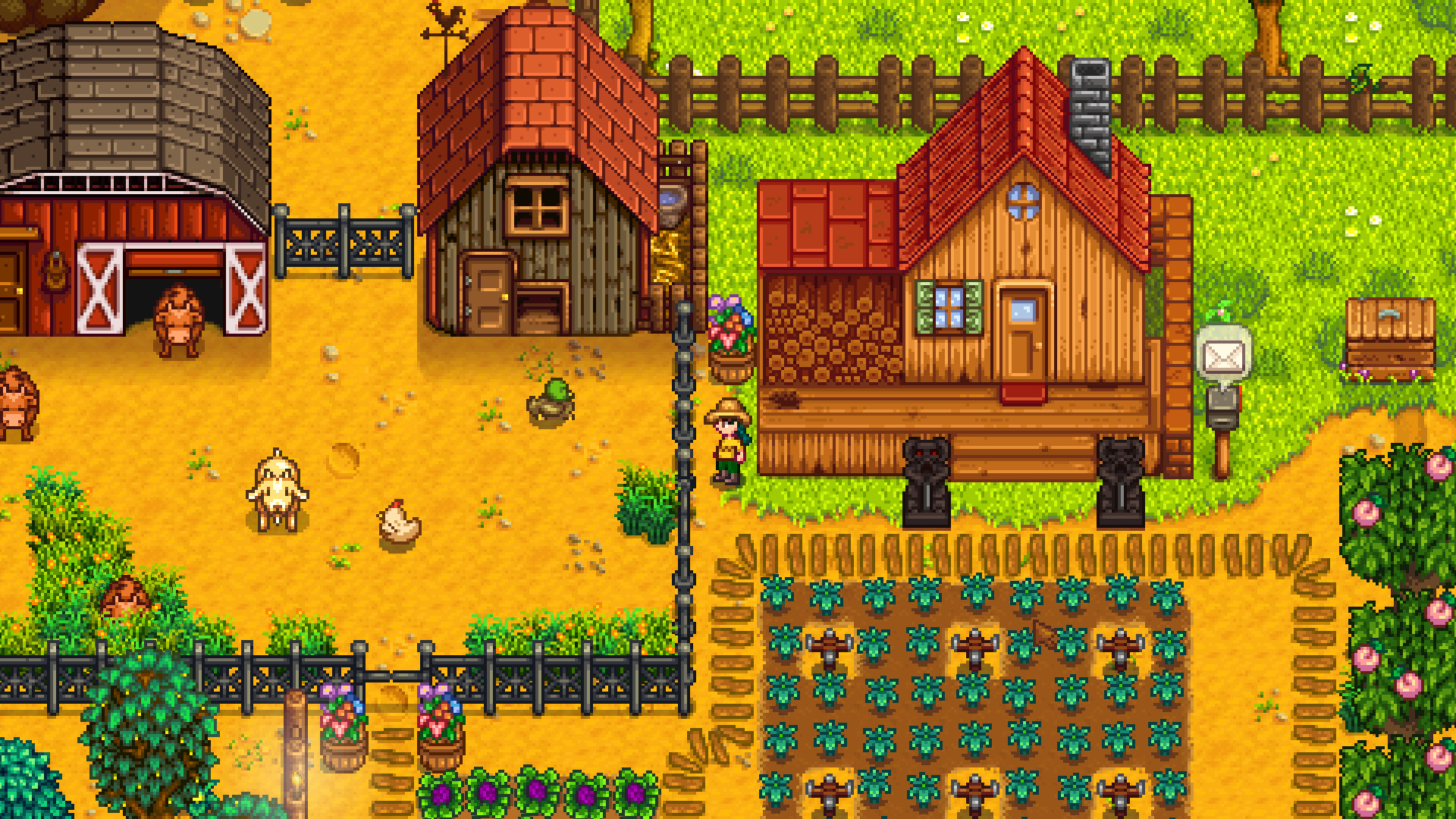
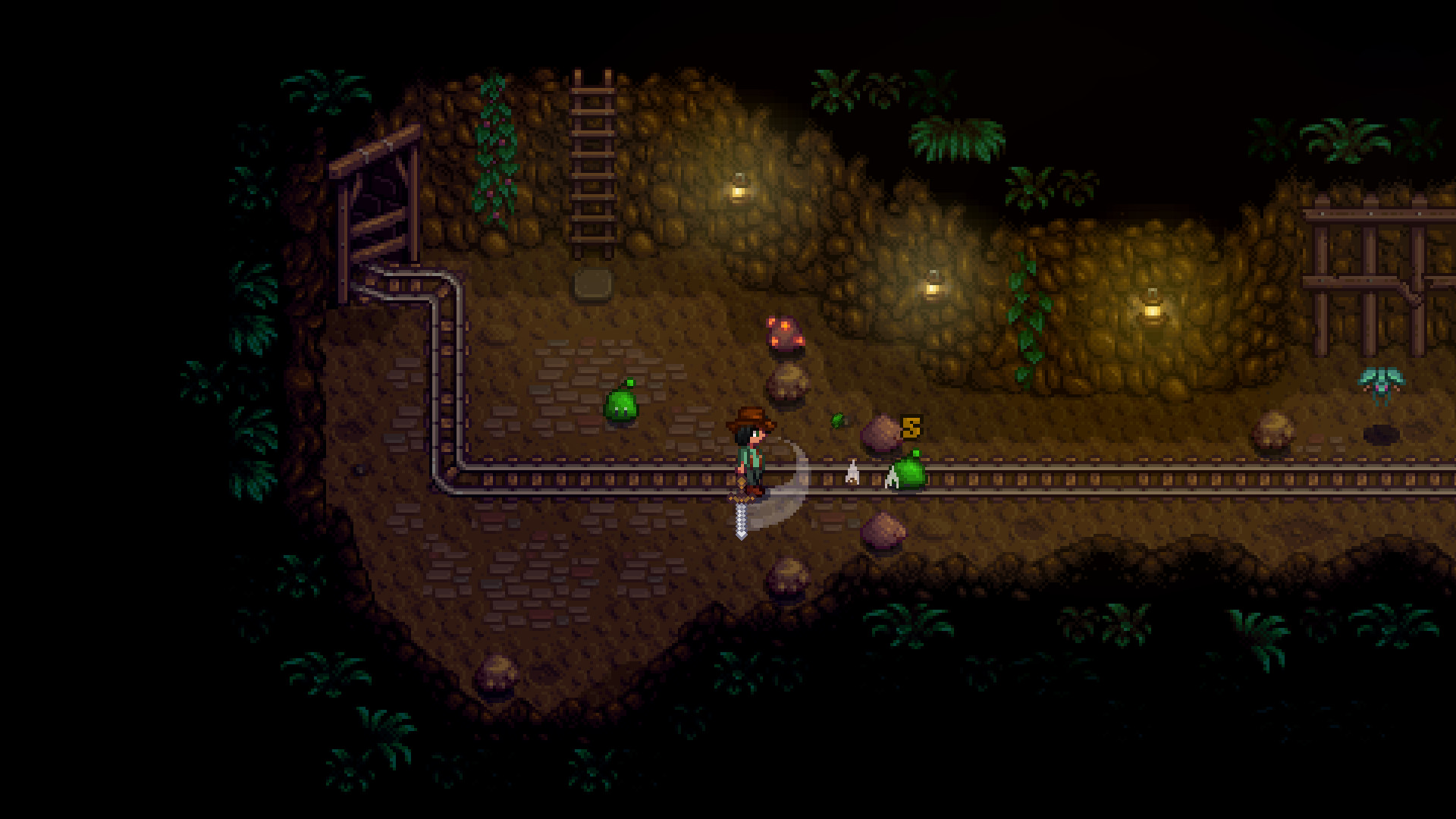
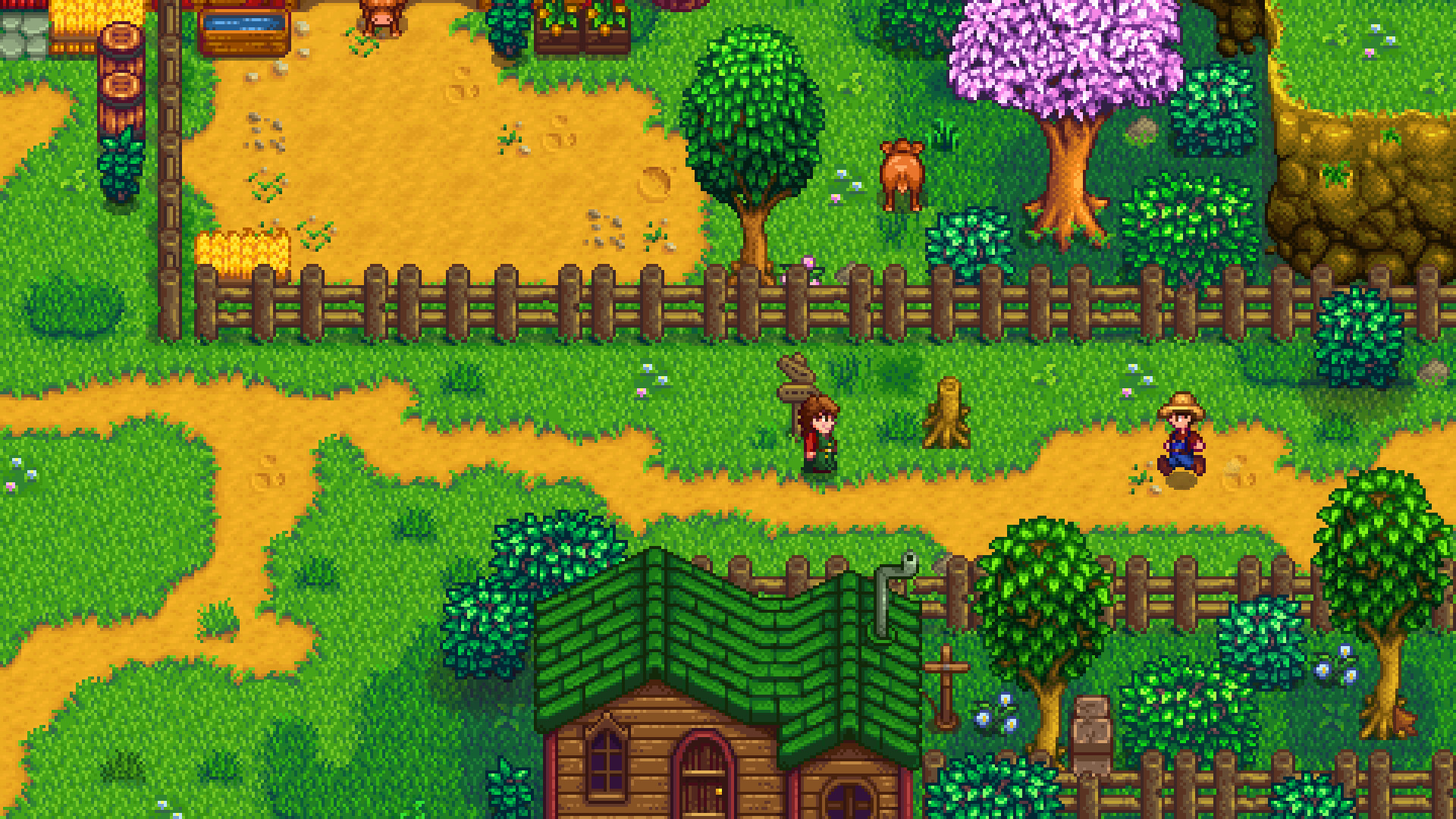
Stardew Valley will run on your PC. The honest question is not whether your hardware clears the bar, since the bar sits close to the floor, but whether a farm you have spent 200 hours building stays smooth. The game renders 2D pixel art through MonoGame, an engine built for exactly this kind of workload, so a graphics card from 2013 handles it the same way as one from this year.
What actually decides performance is the CPU. Every sprinkler, scarecrow, animal, crop, and NPC on your farm gets simulated and pathed each tick, and that work runs on a single core rather than spreading across your GPU. A modest processor clears this without issue for most of a playthrough. It only becomes a factor once your farm is large, heavily decorated, and several in-game years old.
The 60 fps lock, and why you cannot uncap it
Stardew Valley is built around a fixed 60 fps update rate, and a lot of the game's internal math, from movement speed to animation timing to certain event triggers, assumes that rate. There is no official setting or launch option to push it past 60, and community attempts to force it higher tend to speed up or break other systems rather than smooth anything out. On PC, 60 fps is the actual finish line, not a floor.
If you are stuck below 60 instead of sitting at it, the usual cause is a mismatch between your monitor's refresh rate and the game's VSync setting, not weak hardware. Set your display to 60Hz, turn VSync on in the game's options, and try switching out of borderless windowed mode if the frame rate still reads low. Some players also fix stutter by running the XNA Framework redistributable installer that ships in the game's own folder.
Fixing lag on a big, older farm
The lag people actually report is not a loading screen or a menu. It is the farm itself slowing down after a save has been played for years. The fix that works most often is a little unintuitive: open Task Manager, right-click StardewValley.exe under the Details tab, choose Set Affinity, and uncheck one CPU core, commonly Processor 0. That single change resolves a large share of the reported slowdowns, and setting the process to High Priority in Task Manager helps further on older systems.
Beyond that, running fewer mods, keeping fewer save files loaded at once, and thinning out extremely dense sprinkler or fence layouts on your own farm all reduce the per-tick workload. None of this is a graphics setting, since Stardew Valley barely has any. It comes down to giving the CPU less to simulate.
Where else you can play it
Stardew Valley runs natively on Windows, macOS, and Linux with the same 2GB RAM minimum on every one of them, plus iOS and Android with touch controls rebuilt for a phone screen. It is also on every major console: PS4 and Xbox One directly, PS5 and Xbox Series X/S through backward compatibility rather than a dedicated build, and Nintendo Switch, including a newer Switch 2 Edition that adds 4K docked output and split-screen co-op. None of these platforms play together with the PC version, so a Steam friend and a console friend cannot join the same multiplayer save.
Multiplayer on PC raises the practical bar a little: four players and their farm buildings mean more for the CPU to simulate at once, so the affinity fix above matters more in a shared game than a solo one. Otherwise the requirements are the same list described above.
Can I run Stardew Valley? Your questions answered
2GB meets the official minimum and is genuinely enough for solo play. 4GB adds comfortable headroom for SMAPI mods or multiplayer, though nothing beyond that will make a real difference.
Roughly 500MB, tiny by modern standards. Any drive handles it, an older mechanical hard drive included, since there's barely any loading to speed up.
It doesn't. The official minimum only calls for DirectX 10 on Windows, or OpenGL 2 on Mac and Linux, both of which nearly every graphics driver from the last decade already supports.
Far from it, one of the easiest games to run on Steam. If there's a challenge at all, it's keeping a heavily developed farm smooth after hundreds of hours, a CPU question rather than a graphics one.
Not at all. Any graphics card from the last decade, integrated chips included, reaches the game's 60 fps cap. A GPU purchase aimed at this game specifically would buy you nothing.
A little. SMAPI itself stays lightweight, but content-heavy mods, ones adding hundreds of new items or large custom maps especially, add to the CPU workload described elsewhere on this page. A handful of mods rarely registers; dozens of heavy ones can push an old CPU toward the same slowdown a huge vanilla farm causes.
It can technically launch there, since the engine predates Windows 10, but Steam has dropped client support for Windows 7, making Windows 10 or 11 the better bet for a supported, patchable install.
No current install targets 32-bit Windows. Genuinely old hardware would need one of the very early releases rather than today's build.
Almost certainly not for this game alone. A PC that can browse the web and play a YouTube video can already run Stardew Valley, so any upgrade budget is better saved for other titles on your list.
They didn't. Version 1.6 and later content updates brought new areas, farm types, and endgame content, but the official minimum and recommended specs on PC stayed exactly where they were.
On PC, Mac, and Linux, that ceiling is fixed by design. Console versions differ somewhat: the Switch 2 Edition reaches up to 120 fps when docked, while the original Switch and the PS4/Xbox One generation sit at or below 60.
Far beyond enough. 8GB is four times the official minimum, and the game itself rarely uses more than 1 to 2GB even with mods installed, leaving the rest as headroom for your OS and background apps rather than anything the game needs.
It doesn't. Drive type isn't mentioned anywhere in the official requirements, and with only about 500MB to install, a hard drive loads the game in a couple of seconds regardless. An SSD benefits the rest of your PC, just not this game.
Easily. With the RTX 3050 you are past Stardew Valley's recommended tier, which means high settings at 1080p and a genuine shot at 1440p. Hits the 60 fps cap immediately and never drops below it, even on a demanding farm.
Comfortably, yes. The GTX 1650 clears Stardew Valley's recommended bar, which puts high 1080p and 1440p both in reach. Clears the cap with room to spare. This game will never be what slows this card down.
Yes. On the GTX 1060 6GB, Stardew Valley runs at high settings in 1080p and scales up to 1440p without much fuss. Sits at 60 fps the entire time. A card this capable is far past what Stardew Valley needs.
Yes, with room to spare. Stardew Valley recommends less than the RX 580 offers, so expect smooth 1080p high and a playable 1440p. Reaches the 60 fps ceiling without effort, the same as any card released in the last decade.
Plenty of power here. The RTX 4060 is above Stardew Valley's recommended tier, so high 1080p is smooth and 1440p is a fair target. Total overkill, but it does exactly what a much older card does here: locks to 60 fps and stays there.
Yes. The RTX 3060 has headroom over Stardew Valley's recommended card, so you can push 1080p high and move to 1440p when you want. Comfortably at the cap regardless of resolution, since the game barely taxes the GPU at all.
Yes. On the RTX 2060, Stardew Valley runs at high settings in 1080p and scales up to 1440p without much fuss. Well past what is needed. Reaches and holds 60 fps without any tuning.
That is more than enough. The GTX 1660 clears Stardew Valley's recommended requirement, so aim for high at 1080p or step up to 1440p. Handles this with total ease, sitting at the 60 fps cap throughout.
No trouble at all. The GTX 1660 Super meets or beats what Stardew Valley recommends, so 1080p high runs well and 1440p is realistic. More than enough headroom to hold 60 fps the entire way through.
Yes. On the RX 6600, Stardew Valley runs at high settings in 1080p and scales up to 1440p without much fuss. Nowhere near stressed by a 2D game like this. Locks to 60 fps immediately.
Yes. On the GTX 1660 Ti, Stardew Valley runs at high settings in 1080p and scales up to 1440p without much fuss. Clears the requirements many times over and holds the 60 fps cap without issue.
Yes, comfortably. The RTX 3060 Ti sits at or above Stardew Valley's recommended card, so 1080p on high is smooth and 1440p is well within reach. A card this strong will never be the reason your farm slows down.
That is more than enough. The RTX 4050 clears Stardew Valley's recommended requirement, so aim for high at 1080p or step up to 1440p. Even the laptop version of this card sits well above what Stardew Valley needs.
Yes, with room to spare. Stardew Valley recommends less than the GTX 1050 Ti offers, so expect smooth 1080p high and a playable 1440p. Comfortably clears the minimum and holds 60 fps in every normal situation.
Yes. The RTX 4070 has headroom over Stardew Valley's recommended card, so you can push 1080p high and move to 1440p when you want. Included mainly to show the ceiling never moves. This game gives it nothing to do.
It runs there through a genuine native macOS build, and any MacBook with an M-series chip handles it effortlessly, base Air included. Requirements match the Windows version exactly, that same 2GB RAM floor.
Without exception, yes. Integrated graphics as old as an Intel HD 4000 from 2012 clear this game's requirements, and anything newer, current Intel and AMD laptop chips included, hits the 60 fps cap with room to spare.
Only on a Chromebook with Linux app support through Crostini or Android app support via the Play Store, since Steam doesn't run on ChromeOS directly. Cloud streaming through GeForce Now tends to be the more reliable route on most Chromebooks.
Effortlessly, across all three. Stardew Valley carries a Verified rating on Steam Deck and holds 60 fps for an entire session on battery power, with plenty of headroom to spare on the ROG Ally and Legion Go too.
Yes, through official iOS and Android releases with touch controls rebuilt for a phone screen, experimental multiplayer support included. These are separate purchases from the PC version and don't share saves with it by default.
This is close to a best-case scenario for old hardware. A machine that struggles with most modern games will still hold a full 60 fps in Stardew Valley, since the requirements sit far below what even budget PCs offered a decade ago.
Given how light this game is, lag almost always comes down to one of three things: a very large, many-years-old farm overloading a single CPU core, a VSync or refresh-rate mismatch, or a heavy mod list. The CPU affinity fix, Task Manager, Details tab, Set Affinity, uncheck one core, resolves the farm-slowdown case for a lot of players.
There isn't really a meaningful 4K setting here, since the game draws 2D pixel art rather than a 3D scene, so resolution barely changes what your hardware does. Any GPU clearing the minimum displays cleanly at 4K, though the pixel art was designed around lower resolutions and simply reads smaller on a 4K screen.
No ultra preset exists to speak of, since graphics options in this game amount to little more than zoom level and window mode. Any hardware meeting the minimum displays cleanly at 1440p or higher, with resolution barely changing the GPU's workload.
It ships an official native Linux build alongside Windows and Mac, installing and running directly on most distros without Proton or any compatibility layer. Requirements stay light, just 2GB of RAM, and it holds a steady 60 fps even on hardware as modest as a Steam Deck. SMAPI mod support works too, though it takes a few extra steps outside Steam's normal game mode.
Both, yes. A native PS4 build exists, and PS5 owners play that same version through backward compatibility rather than a dedicated PS5 release. This page focuses on the PC version.
It's there. Xbox One got the original release, and Xbox Series X/S owners run that same build through backward compatibility, mirroring the PlayStation arrangement. No enhanced current-gen Xbox version exists.
Yes, on both the original Switch and the newer Switch 2 Edition. The Switch 2 version adds 4K docked output up to 120 fps, mouse controls, and four-player split-screen, while the original Switch runs smoothly at its own resolution.
GeForce Now does carry it, though given how light the game already is, streaming mainly helps if the goal is playing on a device that can't install Steam at all, a smart TV being the obvious example.
No. Multiplayer here doesn't cross platform families, so a Steam save can only host or join other PC, Mac, or Linux players, never console players.
No, the same restriction applies as with consoles. PC and mobile don't share multiplayer, so a Steam save stays limited to other PC, Mac, or Linux players.
Split-screen arrived on consoles, the Switch 2 Edition included, rather than on PC. PC multiplayer instead works by joining or hosting separate game instances over LAN or the internet, not shared-screen play.
Not remotely. It's on nearly everything: Windows, Mac, Linux, iOS, Android, PlayStation, Xbox, and Nintendo Switch. PC simply carries the deepest mod support and the lowest bar to hit 60 fps.
Nearly always a system clock or region setting issue on the Deck itself, not a hardware limitation. Check that the Deck's date, time, and region are correct in SteamOS system settings, and confirm both the game and SteamOS are fully updated before trying multiplayer again.
They do, running through Desktop Mode the same way SMAPI works on a Windows PC, though installation takes a few extra steps since you're working outside SteamOS's normal game mode. The Deck has enough headroom for most mod lists without dropping below 60 fps.
Online multiplayer on Xbox needs an active Xbox Live Gold or Game Pass Ultimate subscription, the same as any other online Xbox title. Solo play requires no subscription at all.
Comfortably. Even a low-end i3 or Ryzen 3 clears what a normal farm needs. Only a very large, many-years-developed save with a dense sprinkler and building layout starts to expose a weak CPU's limits.
Barely. The official minimum asks for just 256MB of video memory, and no settings combination in this game meaningfully pushes past a couple hundred megabytes, leaving even the smallest current graphics cards with plenty to spare.