
Can I Run Subnautica 2 on My PC / Laptop?
An early access underwater survival sequel built on Unreal Engine 5, heavier on your PC than the original Subnautica and still gaining performance features.
Check if your PC can run Subnautica 2
Pick your graphics card and processor to check.
Can I run Subnautica 2 on my PC?
Use the checker above to find out in seconds. Pick your graphics card and processor and it compares them against Subnautica 2's official requirements. As a quick guide, you need at least a GeForce GTX 1660 6GB / RX 5500 XT 6GB graphics card, a Intel Core i5-8400 / AMD Ryzen 5 2600 processor, and 12 GB RAM of RAM to play at 1080p.
Can I run Subnautica 2 on my laptop?
Yes, if your laptop has a dedicated graphics card around a GeForce GTX 1660 6GB / RX 5500 XT 6GB or better and 12 GB RAM of RAM. Laptops with only integrated graphics usually fall short. Enter your laptop's GPU in the tool above to check. Keep in mind that the laptop version of a card runs a little slower than the desktop card of the same name, and heat can lower sustained frame rates.
Most PCs from the last several years can run Subnautica 2, but the real number sits below what the official spec sheet implies. The listed minimum is a GTX 1660 6GB or RX 5500 XT 6GB, and the recommended card is an RTX 3070 or RX 6700 XT. In practice, early access benchmarks put an RTX 3070-class card in the mid-50s fps at 1080p High, not a locked 60. The detail people miss is upscaling: Subnautica 2 launched with DLSS for Nvidia cards only, and no FSR yet, so AMD and Intel owners are relying on Unreal Engine's built-in TSR until that changes.
Drop your graphics card and processor into the tool above for a quick answer, then the rest of the page fills in the detail behind it.
Subnautica 2 system requirements
| Minimum | Recommended | |
|---|---|---|
| Processor (CPU) | Intel Core i5-8400 / AMD Ryzen 5 2600 | Intel Core i7-13700 / AMD Ryzen 7 7700X |
| Graphics card (GPU) | GeForce GTX 1660 6GB / RX 5500 XT 6GB | Geforce RTX 3070 8GB / RX 6700 XT 8GB |
| Memory (RAM) | 12 GB RAM | 16 GB RAM |
| Operating system | Windows 10/11 | Windows 11 |
| DirectX | Version 12 | Version 12 |
| Storage | 50 GB available space | 50 GB available space |
Storage: 50 GB. Not listed as requiring an SSD yet, but an SSD cuts down on the biome-load stutter noticeably.
Subnautica 2 FPS by graphics card
| Graphics card | 1080p | 1440p | 4K | Notes |
|---|---|---|---|---|
| GTX 1650 | ~21 | , | , | Below the official minimum. Playable only at Low with TSR turned on. |
| GTX 1060 6GB | ~26-30 | , | , | Below the official GTX 1660 minimum, but players report it holding Low settings without crashing. |
| GTX 1660 6GB | ~33 | , | , | The official minimum card. This is roughly what it delivers at High, so Low or Medium gives more headroom. |
| RTX 3060 | ~41 | , | , | Solid at Medium to High with TSR on Quality mode. |
| RTX 3060 Ti | ~57 | , | , | Close to what the recommended-tier RTX 3070 delivers, and holds near 60 at High. |
| RTX 4060 | ~51 | , | , | DLSS Quality closes most of the gap to the RTX 3060 Ti above it. |
| RTX 4070 | ~65 | , | , | Handles 1440p Medium with DLSS Quality without much trouble. |
| RTX 4090 | ~101 | , | , | Overkill at 1080p. The real use for a card like this is 4K with DLSS Quality or Frame Generation. |
Numbers are approximate 1080p averages pulled from early access benchmarks. They will move as Unknown Worlds keeps patching the game, and every figure here assumes Unreal Engine 5's Lumen lighting, which currently has no off switch.
Can these graphics cards run Subnautica 2?
| Graphics card | Verdict | Notes |
|---|---|---|
| GTX 1050 Ti | Below minimum | Beneath the bar. Very low settings, and it may not run. |
| GTX 1650 | Below minimum | Beneath the bar. Very low settings, and it may not run. |
| RX 570 | Below minimum | Short of minimum. Low settings, a choppy frame rate. |
| RX 580 | Below minimum | Under minimum. Expect the lowest settings and weak fps. |
| GTX 1060 6GB | Below minimum | Below the minimum. Very low settings, low frame rates. |
| GTX 1650 Super | Below minimum | Below spec. Low settings and low fps at best. |
| GTX 1660 | Playable | Passes minimum. Aim low to medium 1080p, upscaling helps. |
| GTX 1660 Super | Playable | Clears the minimum. 1080p low to medium, better with upscaling. |
| RTX 3050 | Playable | Runnable at minimum. Low to medium 1080p, ease settings back. |
| GTX 1660 Ti | Playable | Just clears it. 1080p low to medium, smoother after tuning. |
| RX 6600 | Playable | Minimum covered. 1080p low to medium is the target. |
| RTX 2060 | Playable | Runnable at minimum. Low to medium 1080p, ease settings back. |
| RTX 4050 | Playable | Passes minimum. Aim low to medium 1080p, upscaling helps. |
| Arc A750 | Playable | Passes minimum. Aim low to medium 1080p, upscaling helps. |
| RTX 3060 | Playable | Just clears it. 1080p low to medium, smoother after tuning. |
| RX 6600 XT | Playable | Meets the bar. Low to medium settings at 1080p. |
| RX 7600 | Playable | Meets the bar. Low to medium settings at 1080p. |
| RX 6700 XT | Playable | Minimum covered. 1080p low to medium is the target. |
| RTX 4060 | Playable | Passes minimum. Aim low to medium 1080p, upscaling helps. |
| RTX 3060 Ti | Playable | Runnable at minimum. Low to medium 1080p, ease settings back. |
| RTX 3070 | Runs well | At or above the recommended card. Smooth 1080p high, 1440p realistic. |
| RTX 4070 | Runs well | Exceeds recommended. 1080p high is comfortable, 1440p fine. |

Will Subnautica 2 run on your PC
If your graphics card is a GTX 1660 6GB or RX 5500 XT 6GB or newer, and you have 12GB of RAM, Subnautica 2 will start and play, though at Low settings and around 30 fps. To get close to the official 60 fps recommended target you want something closer to an RTX 3070 or RX 6700 XT, and even then, early access benchmarks tend to land in the mid-50s at 1080p High rather than a rock-solid 60.
That gap between the published recommended spec and what people are actually measuring is normal for a game still in early access. Unknown Worlds has already patched performance more than once since the May 2026 launch, and the numbers on this page reflect the current build, not a promise about the finished 1.0 release.
The real bottleneck: shader stutter and VRAM streaming
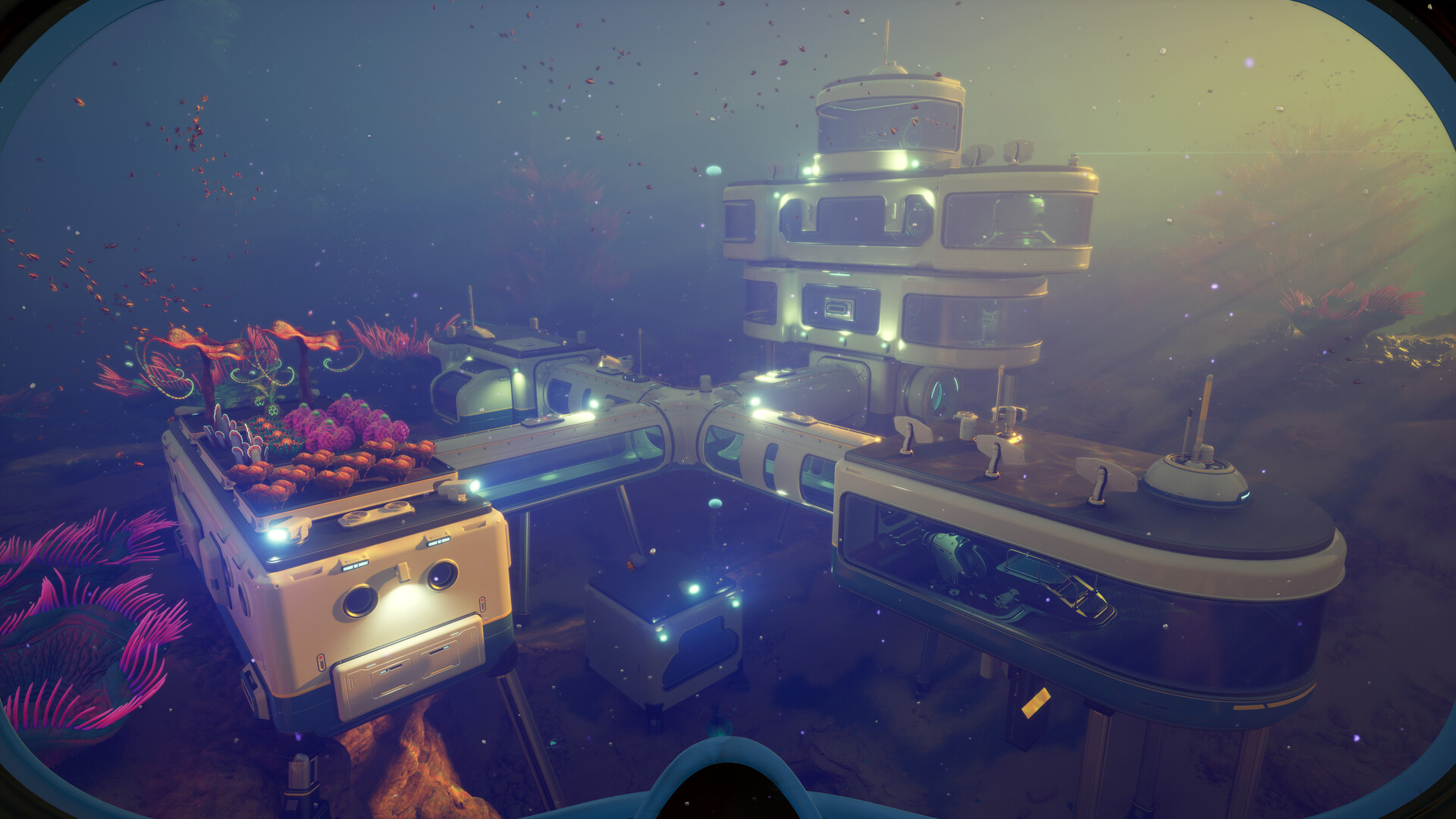
Subnautica 2 runs on Unreal Engine 5 with Lumen lighting and Nanite geometry active at all times. There's no setting to turn Lumen off, which is a big reason even strong cards struggle to hold 60 fps at native 1080p High. The stutter people notice when they first enter a new biome comes from Unreal Engine compiling shaders on the fly, and it's worst in the first 30 to 60 minutes on a fresh install.
The second cause is VRAM. Dense areas like the Thermal Spires and Overgrown Ruins push texture streaming hard, and 6GB cards feel it the most. Letting the game sit at the main menu for a few minutes after launch gives shaders time to finish compiling before you dive in, and that alone clears a lot of the worst stutter.
What to turn down first, and the DLSS/FSR gap
Lumen is the single biggest performance cost in the settings menu. Dropping it from Epic to High is worth roughly 15 to 20 percent with barely any visible change underwater. After that, shadow quality and view distance are the next places to save frames, especially with an older CPU.
Upscaling support is uneven right now. DLSS works on Nvidia cards, including Frame Generation on the newer ones, but there is no FSR yet, so AMD and Intel owners fall back on Unreal Engine's built-in TSR, which gains less than a proper FSR pass would. That's a real gap if you're on an RX 6600 or an Arc card, and it's worth checking back after Unknown Worlds ships a patch.
Storage, co-op, and the early access caveats
You need 50GB of free space. The requirements don't officially call for an SSD, but between the shader compiling and the VRAM streaming, a hard drive makes both problems worse, and people consistently report smoother biome loading once they move the install to an SSD.
Co-op adds extra load on whoever is hosting, so the official guidance is to let the player with the strongest PC host, or lower settings on the host if both of you start seeing lag. And because this is early access, treat every number on this page as a snapshot: Unknown Worlds is expected to add FSR and keep tuning performance before the game reaches 1.0.
Can I run Subnautica 2? Your questions answered
12GB clears the official minimum and gets the game running. Push to 16GB, the recommended figure, and memory-related stutter mostly disappears, particularly if you keep other programs open in the background.
No official requirement lists one, but get an SSD if you can. Shader compilation stutter and heavy VRAM streaming both get worse on a hard drive, and biomes load noticeably smoother off solid-state storage.
About 50GB for the early access build. That will likely grow as more content is added before the full 1.0 release.
Yes, by default. There are launch options, -d3d11 and -vulkan, that force other APIs for compatibility, but the game is built and tested around DirectX 12, so stick with that unless you're troubleshooting a crash.
Two main causes. Unreal Engine 5 compiles shaders the first time it sees a new effect, which causes freezes early in a session, and texture streaming can overload the VRAM on 6GB cards in dense biomes. Letting the game idle at the main menu for a few minutes after launch, and installing on an SSD, both help.
There's no separate ray tracing toggle. The game uses Unreal Engine 5's Lumen for lighting and reflections at all times, and it can't be switched off, which is part of why the game is heavier than the first Subnautica even at lower settings.
Not yet, as of the current early access build. DLSS is available for Nvidia cards, and AMD and Intel users are limited to Unreal Engine's built-in TSR upscaler in the meantime.
It's the official minimum, on cards like the GTX 1660 6GB, and it works, but it's the tier that feels VRAM pressure first in dense biomes like the Thermal Spires. Expect to keep textures and Lumen quality down to avoid hitching.
No. That's below the official minimum, and cards with 4GB will struggle to hold even Low settings without heavy stutter.
Likely yes. This is an early access title, and Unknown Worlds has already adjusted performance since the May 2026 launch. Treat the current minimum and recommended specs as a snapshot rather than a final answer.
It can, mainly for whoever is hosting. Unknown Worlds recommends having the player with the strongest PC host the session, and lowering the host's settings if both players start seeing lag.
Common causes are launch options like -dx12 or -d3d12 conflicting with the game's own settings, outdated graphics drivers, and Hardware Accelerated GPU Scheduling causing instability on some systems. Removing conflicting launch flags, updating drivers, and disabling HAGS clears most of these.
No, it falls short of the 12GB official minimum, and running it anyway invites stutter and possible crashes once the system starts paging memory to disk.
It's about average for an Unreal Engine 5 early access release. Shader compilation stutter and a fixed Lumen lighting cost are common growing pains for the engine, and Unknown Worlds has already shipped more than one performance patch since launch, with more expected before 1.0.
Yes, at the lower end. With the RTX 3050 you clear Subnautica 2's minimum, so 1080p low to medium is the target and easing back a setting helps. Around 30 fps at 1080p, below the recommended tier but usable at Medium with TSR.
That card falls short. The GTX 1650 is under Subnautica 2's minimum, which leaves you very low settings and a shaky frame rate. Around 21 fps at 1080p, below the official minimum, so stick to Low with TSR on.
Not a good match. Subnautica 2 asks for more than the GTX 1060 6GB provides, so you would be stuck on very low settings and choppy frame rates. Around 26 to 30 fps at 1080p Low, below the official GTX 1660 minimum.
It is under the bar. The RX 580 does not meet Subnautica 2's minimum, so any play would be very low settings with weak performance. Roughly in GTX 1060 6GB territory, around 25 fps at 1080p Low, below the official minimum.
Runnable. The RTX 4060 covers Subnautica 2's minimum, meaning 1080p low to medium and a smoother feel after a small settings drop. About 51 fps at 1080p, with DLSS Quality closing most of the gap to the 3060 Ti.
The RTX 3060 gets you in. It meets Subnautica 2's minimum, so low to medium at 1080p works, and turning a couple of things down keeps it steady. About 41 fps at 1080p, solid at Medium to High with TSR Quality.
Yes. Subnautica 2 runs on the RTX 2060 at 1080p low to medium; shave a setting or two and the frame rate settles. Around 45 fps at 1080p on the 12GB variant, comfortable at Medium settings.
You can play it. The GTX 1660 is at Subnautica 2's minimum, so keep to 1080p low to medium and lower a setting if it stutters. About 33 fps at 1080p, roughly what this official minimum card delivers at High settings.
Yes, though keep expectations modest. The GTX 1660 Super clears Subnautica 2's minimum, so plan on 1080p at low to medium and trim a setting or two for a steady frame rate. About 36 fps at 1080p, a small step above the GTX 1660.
Yes, at the lower end. With the RX 6600 you clear Subnautica 2's minimum, so 1080p low to medium is the target and easing back a setting helps. Estimated in the high 30s to low 40s fps at 1080p, close to the RTX 3060 but without FSR support yet, so it leans on the weaker TSR upscaler.
Yes, though keep expectations modest. The GTX 1660 Ti clears Subnautica 2's minimum, so plan on 1080p at low to medium and trim a setting or two for a steady frame rate. Around 34 fps at 1080p, similar to the GTX 1660 with a small edge.
Yes, at the lower end. With the RTX 3060 Ti you clear Subnautica 2's minimum, so 1080p low to medium is the target and easing back a setting helps. Around 57 fps at 1080p, close to what the recommended RTX 3070 delivers.
Runnable. The RTX 4050 covers Subnautica 2's minimum, meaning 1080p low to medium and a smoother feel after a small settings drop. Roughly RTX 3050 desktop territory, around 28 to 32 fps at 1080p Medium.
It is under the bar. The GTX 1050 Ti does not meet Subnautica 2's minimum, so any play would be very low settings with weak performance.
Yes, with room to spare. Subnautica 2 recommends less than the RTX 4070 offers, so expect smooth 1080p high and a playable 1440p. Around 65 fps at 1080p, and handles 1440p Medium with DLSS Quality.
Nobody's confirmed a native Mac build for Subnautica 2, and given it's still early access that could change. Until then a MacBook can't run it on its own; cloud streaming is an option once a service picks it up, and an unofficial Windows layer is the fallback, though that's a rough bet on a Unreal Engine 5 title like this.
No, not comfortably. Integrated chips, including newer ones like Intel Iris Xe, fall short of the GTX 1660 6GB minimum, and Lumen's always-on lighting cost hits integrated graphics especially hard.
A Chromebook simply doesn't have the hardware this game needs, so streaming would be the only path in, and Subnautica 2 doesn't have a confirmed cloud gaming listing yet. Treat that route as unconfirmed for now.
Steam Deck is marked Verified even in early access, and community reports put it around 30 fps at Low to Medium in shallow biomes, dropping into the 20s in fog-heavy areas like the Thermal Spires. The ROG Ally and Legion Go should handle it similarly or a bit better, though Unknown Worlds is still tuning handheld performance.
There's no confirmed cloud streaming listing for Subnautica 2 as of now. That's common for a game still in early access, so check the service directly before counting on it.
You'll want an RTX 4090 or RTX 5080 class card with DLSS Quality or Frame Generation. Because Lumen lighting can't be turned off, native 4K is heavy even for high-end cards without upscaling help.
An RTX 3060 Ti or RTX 4060 with DLSS or TSR on Quality gets you close to 60 fps at 1440p Medium. Going higher than Medium at 1440p really wants an RTX 4070 or better.
An RTX 3070 or RX 6700 XT is the official recommended spec for around 60 fps, but early access benchmarks often show that tier in the mid-50s at 1080p High rather than a locked 60. Turning on DLSS or TSR helps close that gap.
Only with a strong card. Lumen at Epic is the heaviest setting in the game, and even an RTX 4070 can dip under 60 fps at native 1080p Epic. Dropping Lumen to High recovers most of the frame rate with little visual loss.
Purely for Subnautica 2, yes. 16GB is the recommended spec, and the jump to 32GB only pays off if you've got other heavy software running alongside the game rather than the game asking for it.
Mostly GPU-bound, driven by Lumen lighting and VRAM streaming. The CPU matters more during shader compilation stutter and in co-op, where hosting adds extra CPU load.
Not well. That's below both the CPU and RAM minimums the game lists, and you'd also need a GPU upgrade to at least a GTX 1660 6GB. Expect a rough experience with heavy stutter until you meet the actual minimum spec.
Yes. Subnautica 2 launched alongside its PC release on Xbox Series X and S, and it's included in Xbox Game Pass. The Series S version is expected to run at a lower resolution and reduced effects compared to the Series X. This page focuses on the PC version.
No. Subnautica 2 targets Xbox Series X and S only, not the older Xbox One.
No PlayStation release has been confirmed as of now. Subnautica 2 is currently PC and Xbox Series X/S only during early access, so treat a PlayStation version as unconfirmed.
No. There's no Subnautica 2 version for Switch or Switch 2 announced. The original Subnautica did eventually reach Switch, but that isn't confirmed for the sequel.
Yes. Windows 10 64-bit meets the minimum requirement, though the recommended spec lists Windows 11.
Unknown Worlds hasn't built a native Linux version. It runs through Proton on Steam Deck well enough to earn Verified status even in early access, but a standard Linux desktop install is on its own, unofficially.
Yes, and comfortably above the official minimum. Its 8GB of VRAM helps in dense biomes, and it performs close to a GTX 1660, around 32 to 36 fps at 1080p High, with more headroom at Medium settings.
Not well. Iris Xe integrated graphics falls below the GTX 1660 6GB minimum, and Lumen's always-on lighting cost is especially rough on integrated GPUs, so expect the game to struggle even at the lowest settings.
PC and Xbox players can play together in co-op. There's no PlayStation or Switch version yet for crossplay to include.